Review vendor applications and assign event booths
Noch keine Bewertungen
Kostenloses Paket verfügbar
0
1
2
Karelia Exhibitor Desk - Überblick
Collect exhibitor and vendor applications for your events
Review submissions, save decisions and keep jury notes private
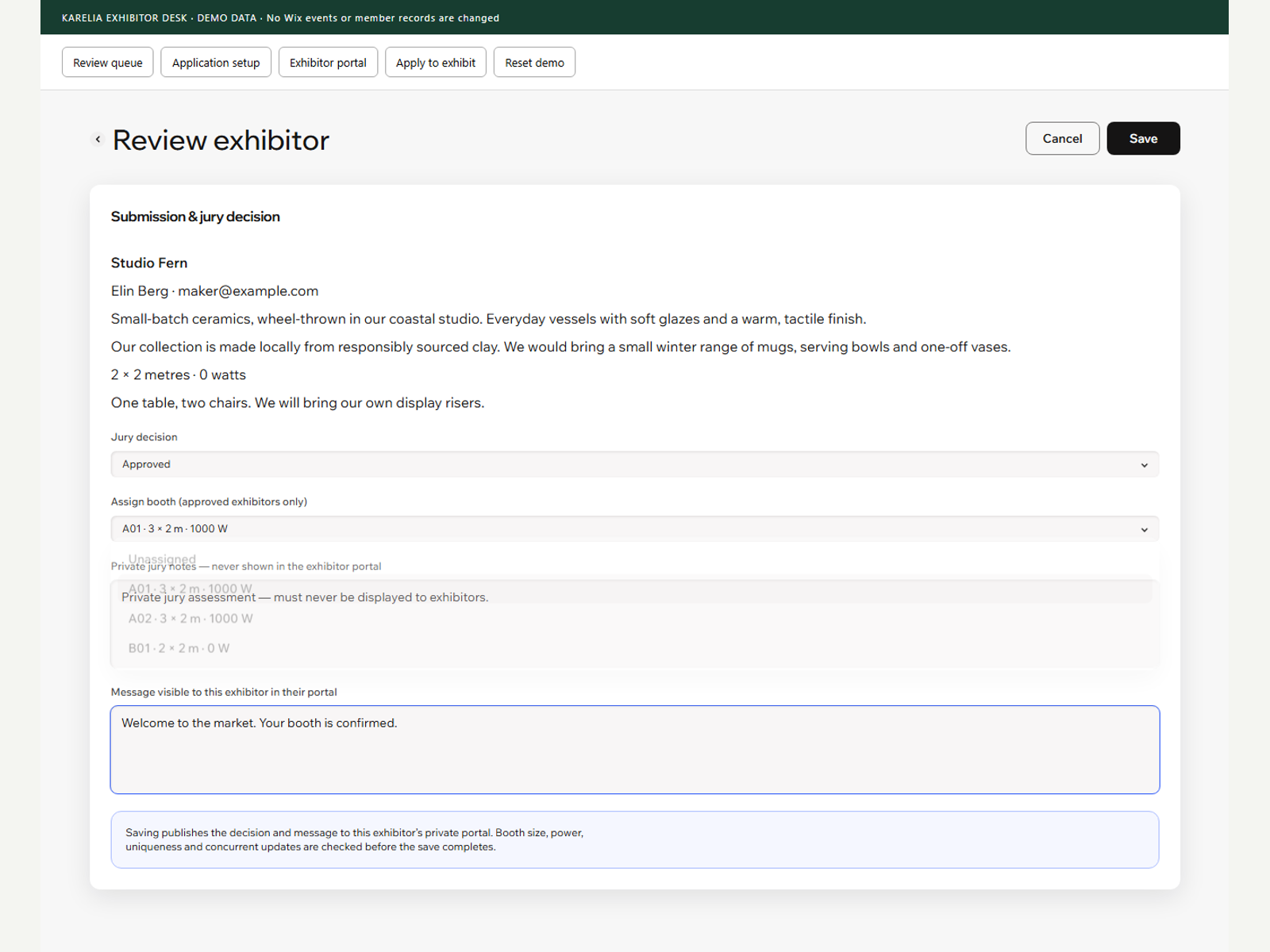
Assign booths with checks for dimensions, power and duplicate allocation
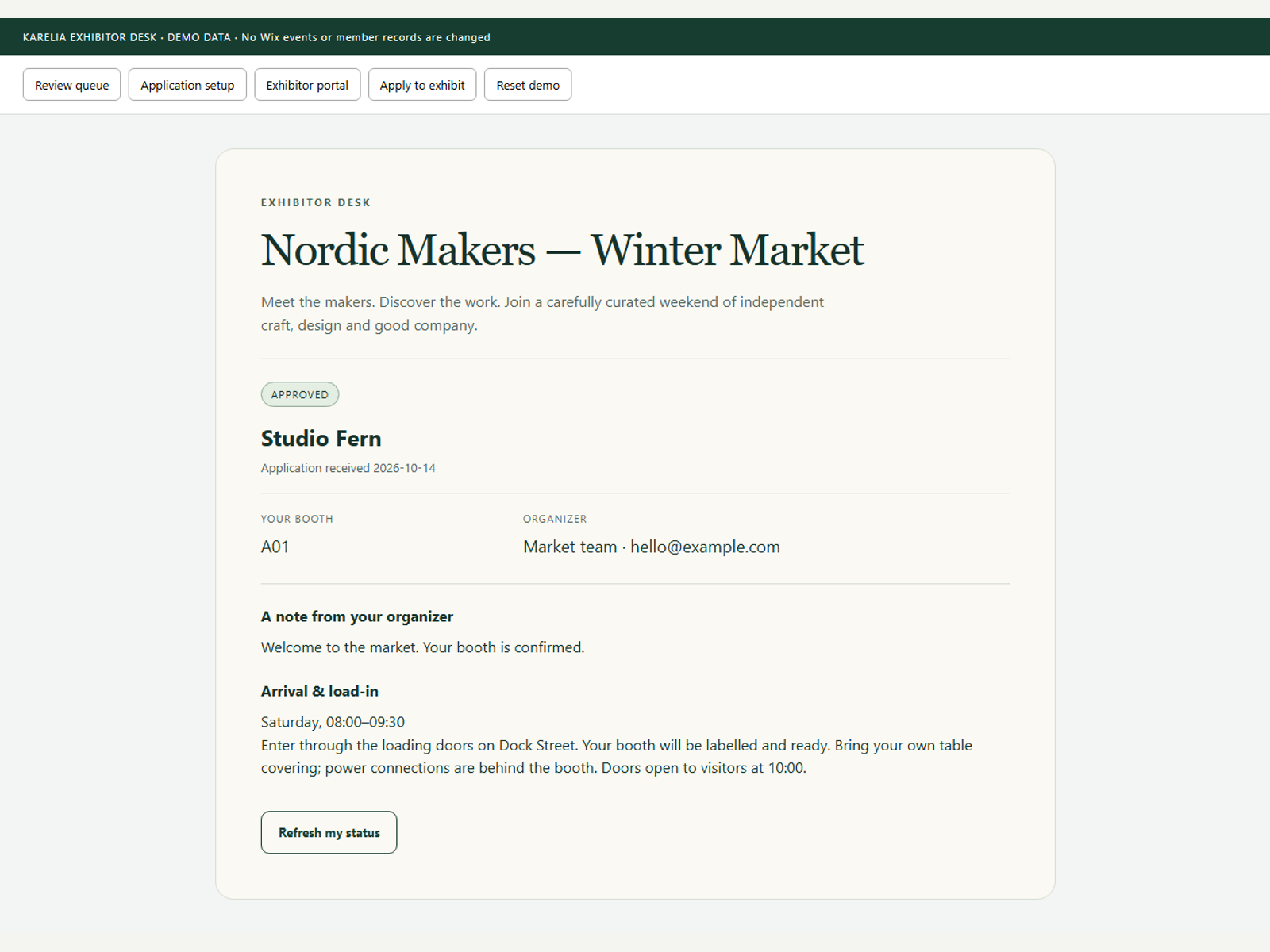
Give exhibitors a private portal for decisions, booths and arrival details
Manage exhibitor and vendor applications for craft fairs, markets, exhibitions and other events. Karelia Exhibitor Desk brings applications, review decisions, booth allocation and a private exhibitor portal into one workflow on your website.
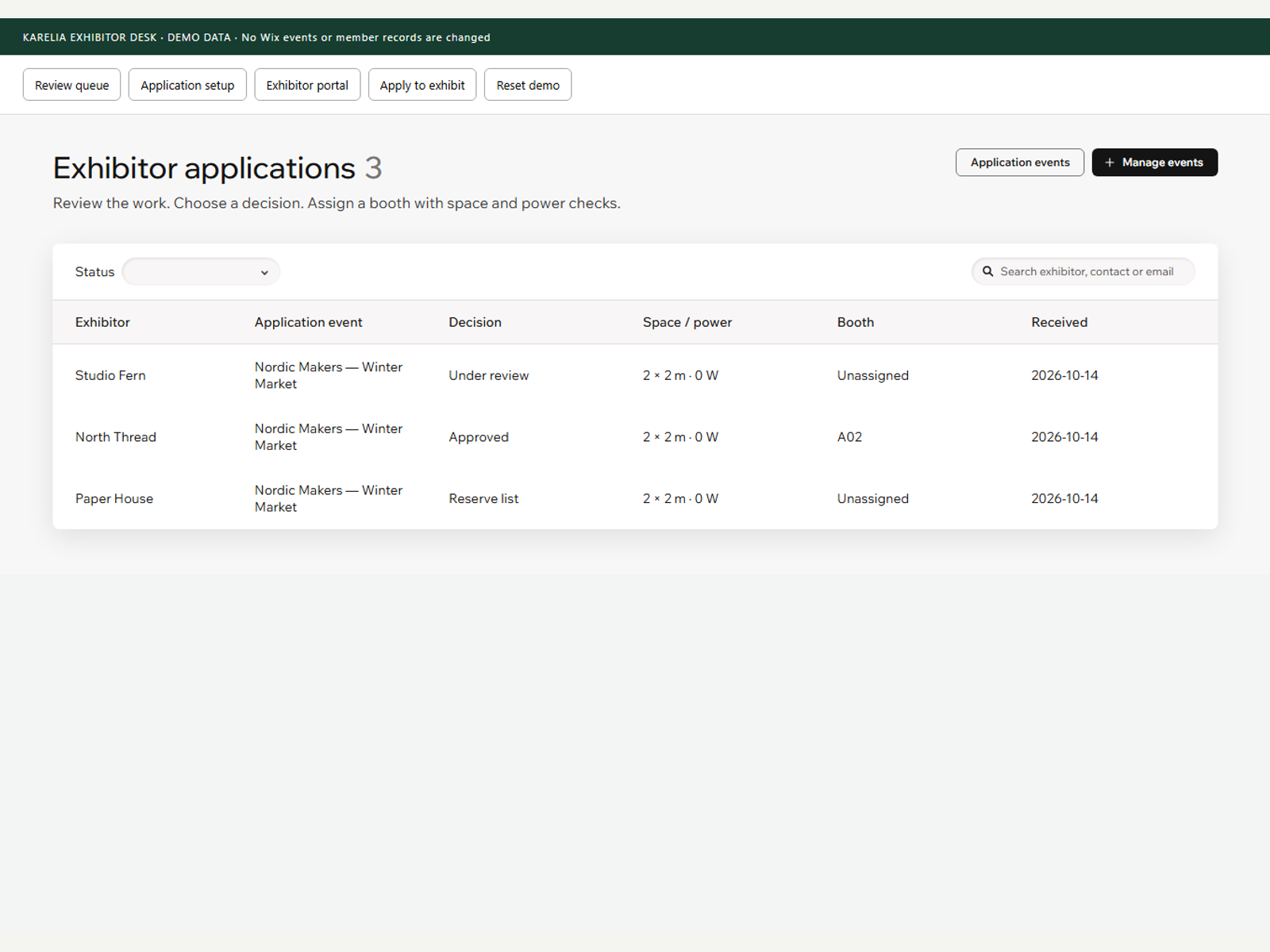
Link an existing event, set an application deadline and collect company details, contact information, portfolio links, work descriptions and setup needs. Add your own jury question. Search and filter the review queue, open each submission and save an approved, reserve or rejected decision. Keep private jury notes with the organizer.
Configure booth dimensions and available power, then assign a compatible space. Allocation checks help prevent duplicate assignments. Signed-in exhibitors return to their own portal to see their decision, assigned booth and organizer message. Approved exhibitors also see arrival and load-in instructions.
Requires Events & Tickets and Members Area. Publish the event, link an application call and add the Exhibitor Portal widget to a site page. Exhibitors must sign in. Payments, automatic emails, interactive floorplans and automated jury decisions are not included.
Start free with one open application event. Upgrade to Pro to accept applications for multiple events at the same time. Existing applications and review decisions remain available.