

Online-Shop
Buchungen
Events
Pop-up
Brasa Conector Bling
von
Paid orders become sales orders in Bling ERP
Noch keine Bewertungen
Kostenloses Paket verfügbar

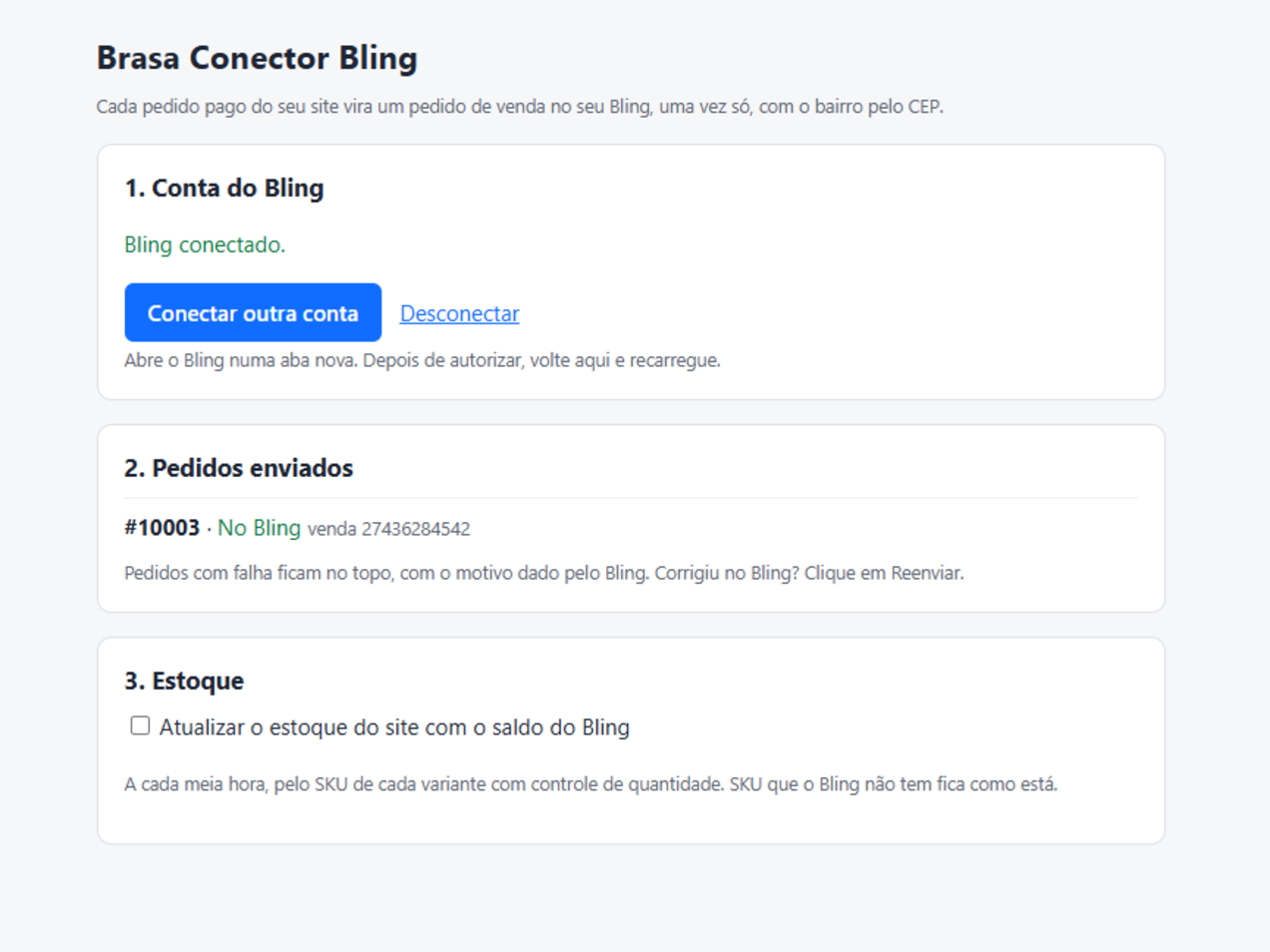
Brasa Conector Bling - Überblick
- Each paid order becomes one sales order in your Bling account
- Customer found by CPF or CNPJ, neighborhood filled from the CEP
- Failed orders show Bling's reason, with a one-click resend
- Bling tracking codes and stock levels come back to your store
Rating & Bewertungen
Für diese App gibt es noch keine Bewertungen.Preise & Abonnements
Basic-Paket
Kostenlos
Up to 30 orders a month sent to Bling
Buyer matched by CPF or CNPJ
One-click resend of failed orders
Unlimited-Paket
$
7
99
/Monat
Unlimited orders sent to Bling
Tracking codes back to your orders
Stock synced from Bling every 30 min
* Preis ist in USD.