

Online-Shop
Buchungen
Events
Pop-up
UTM Contact Attribution
von
Track sources for leads, bookings and orders
5.0
Kostenloses Paket verfügbar

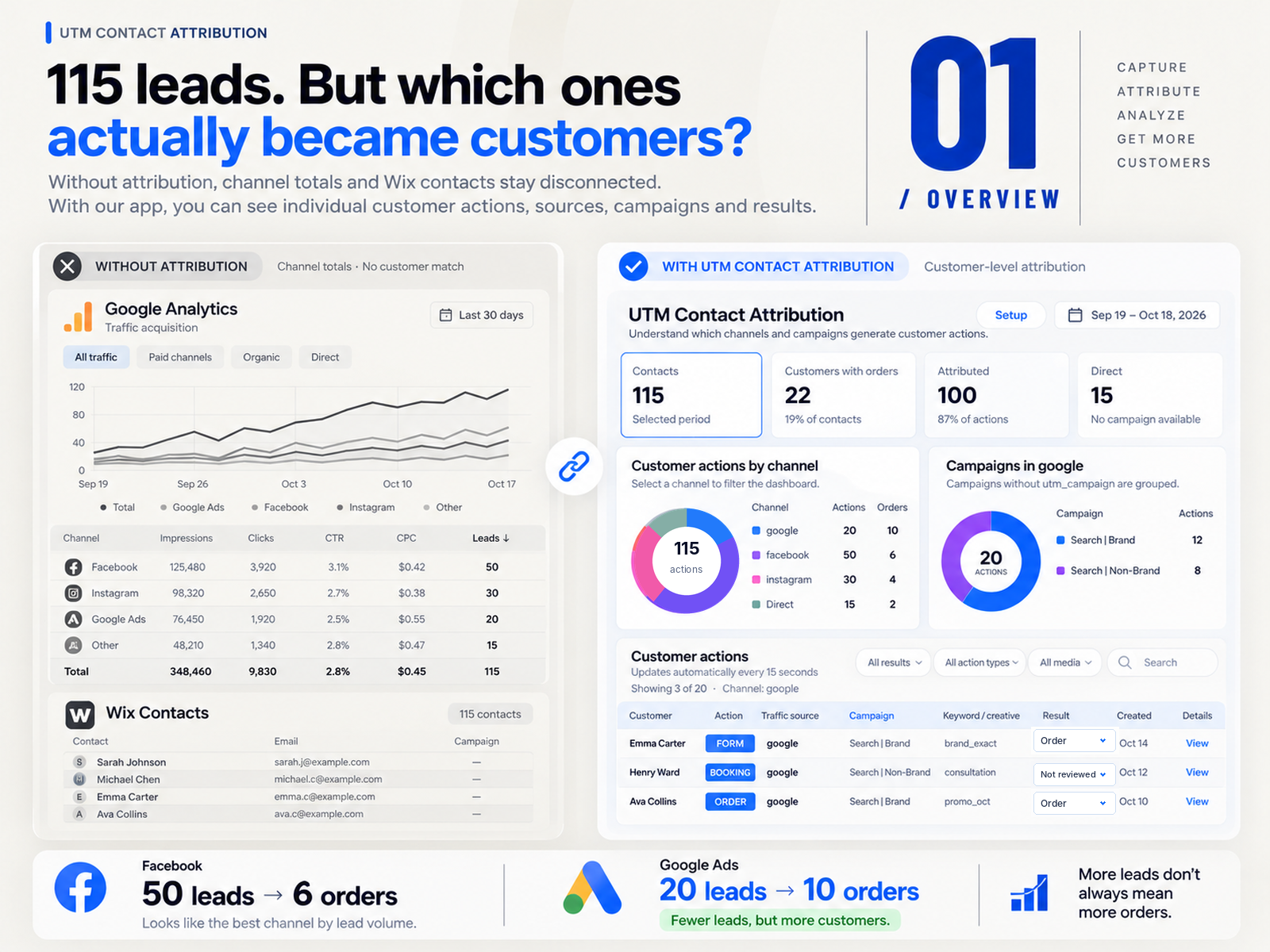
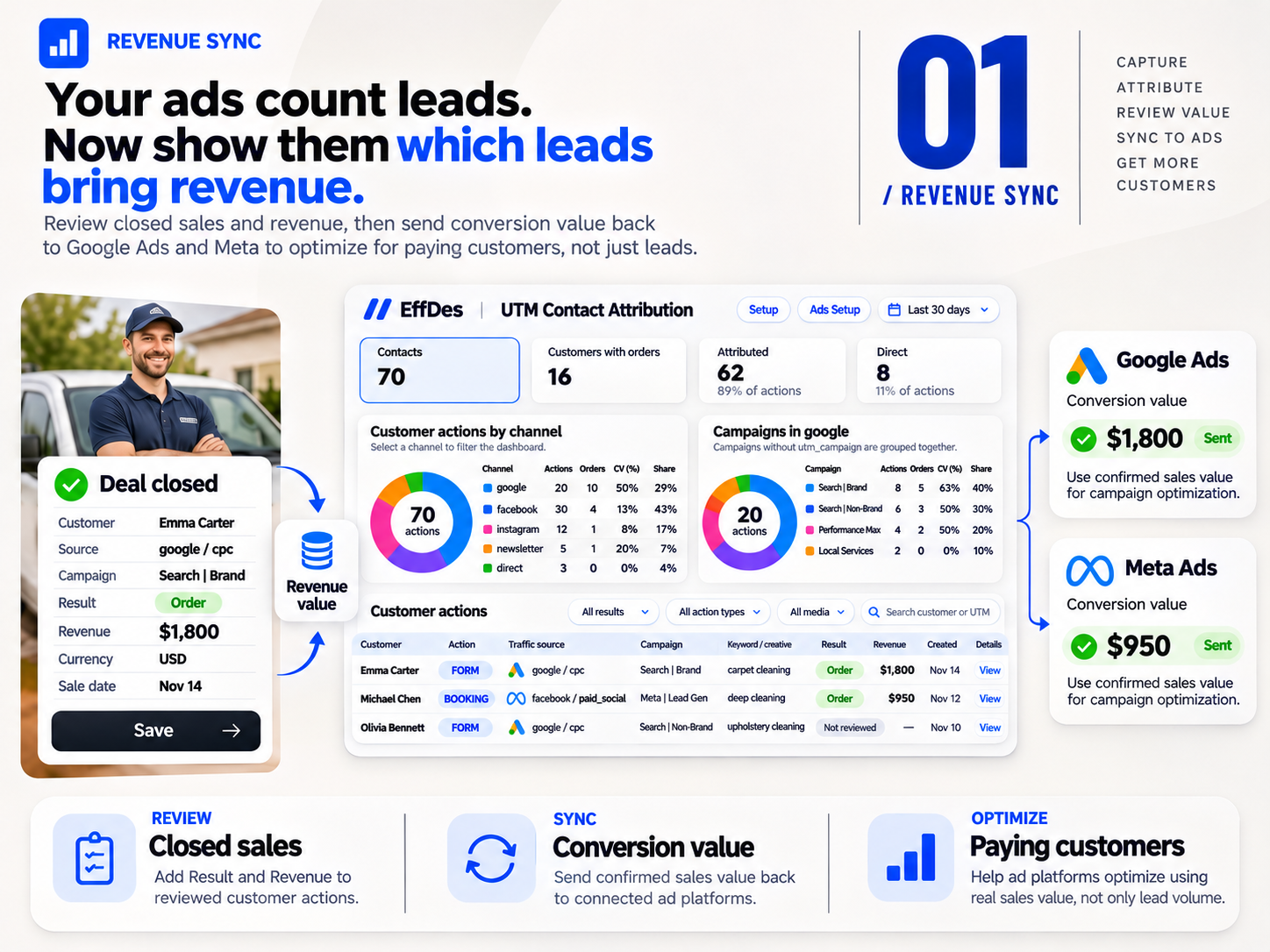
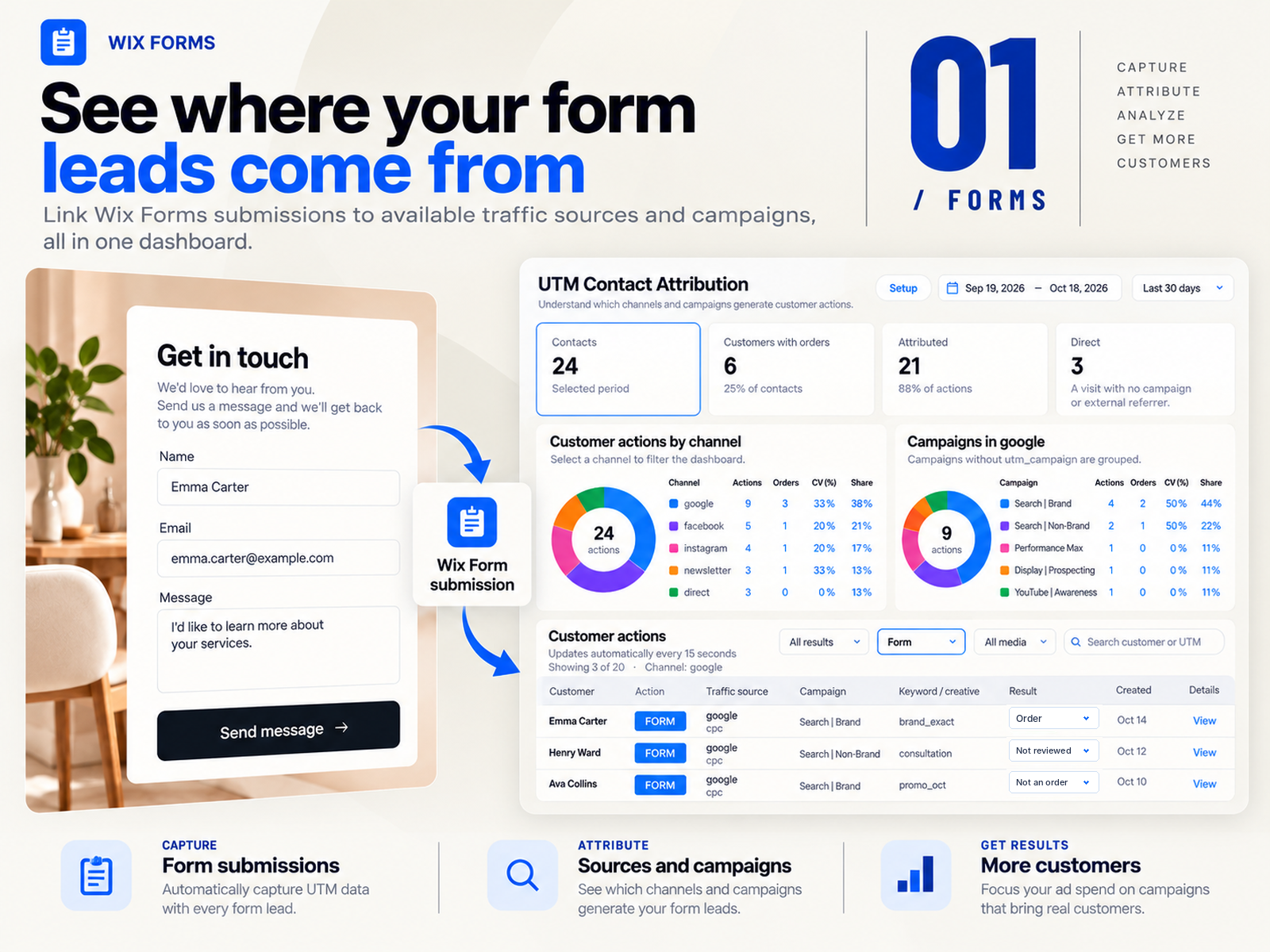
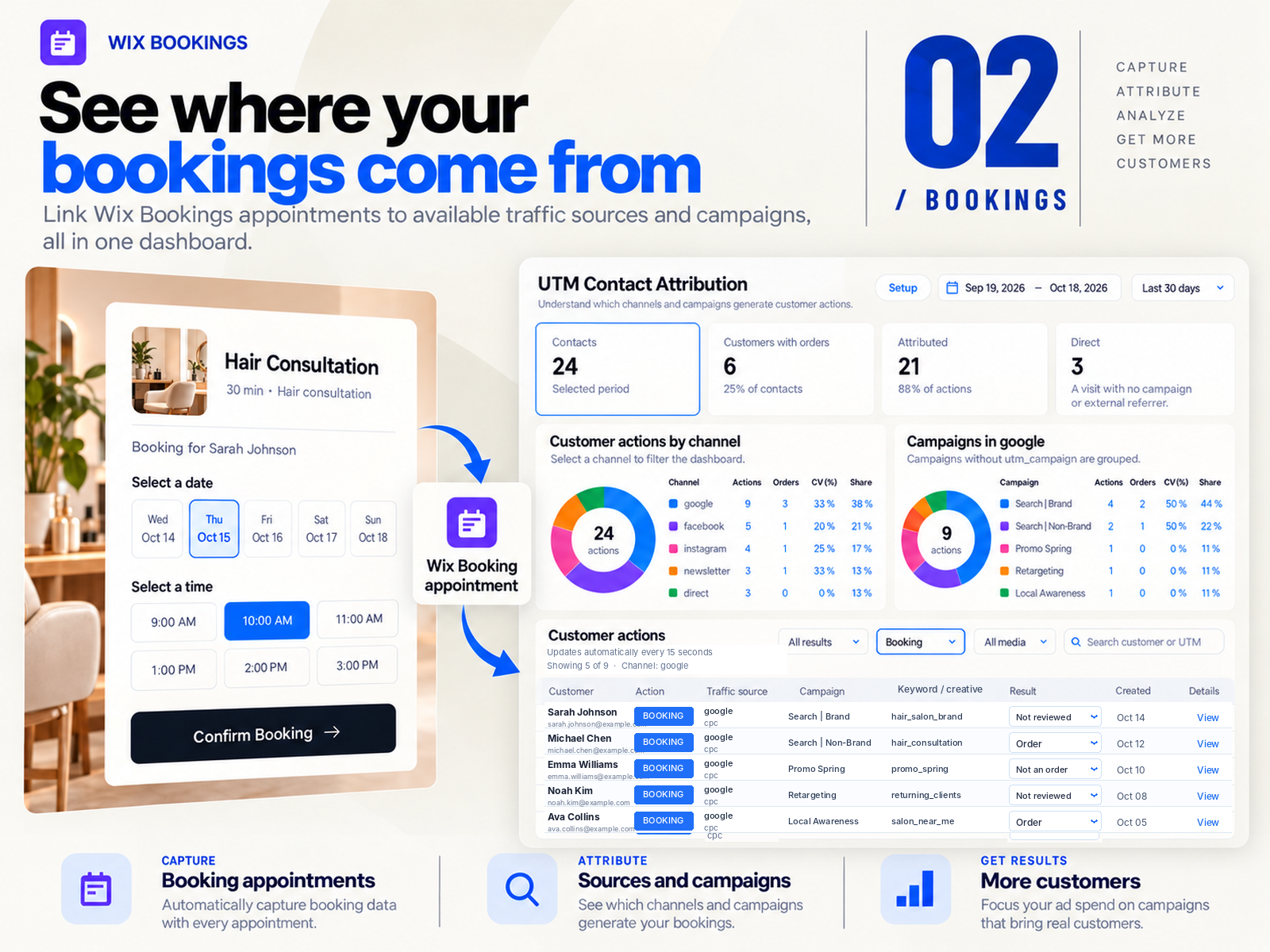
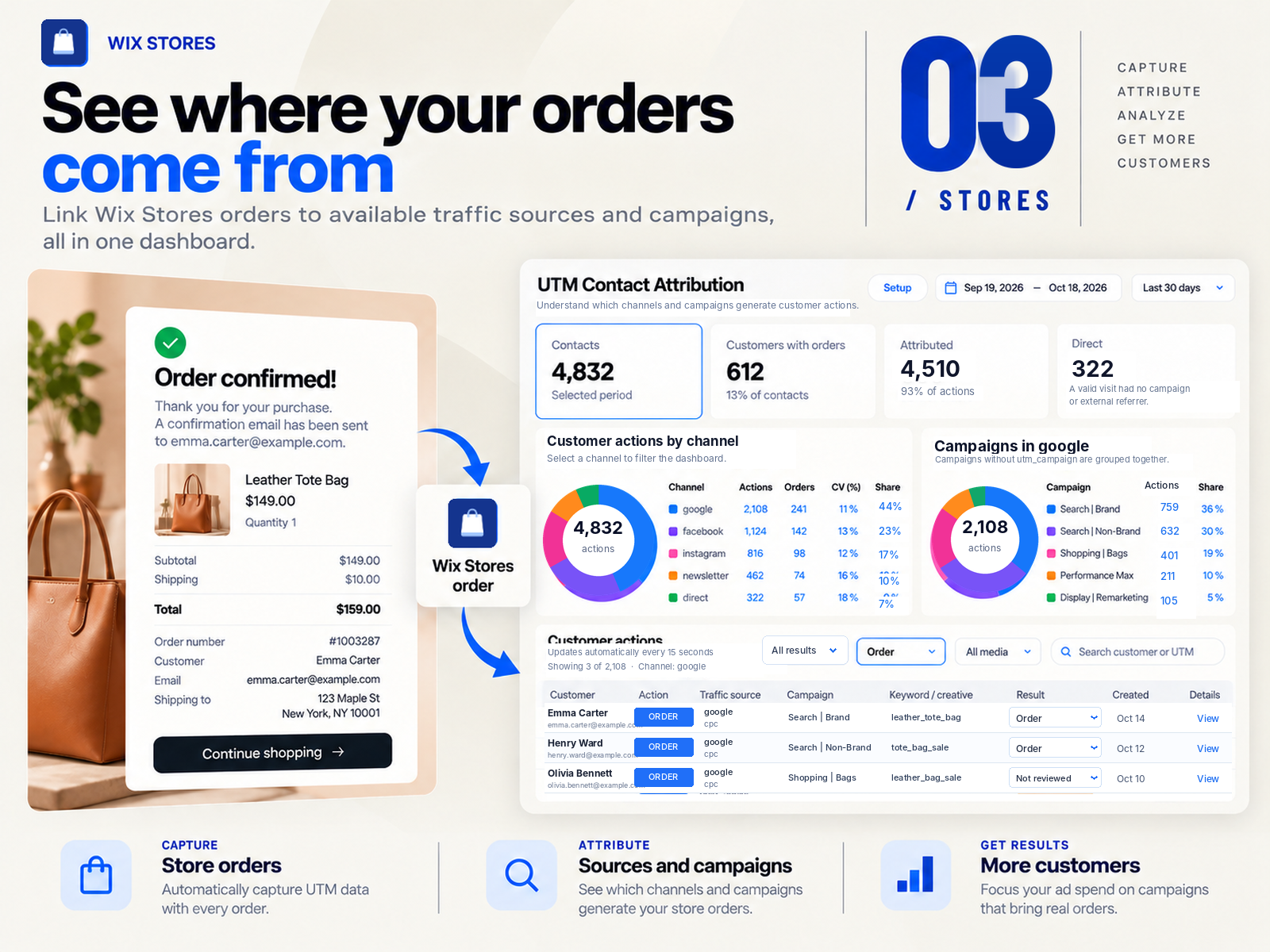
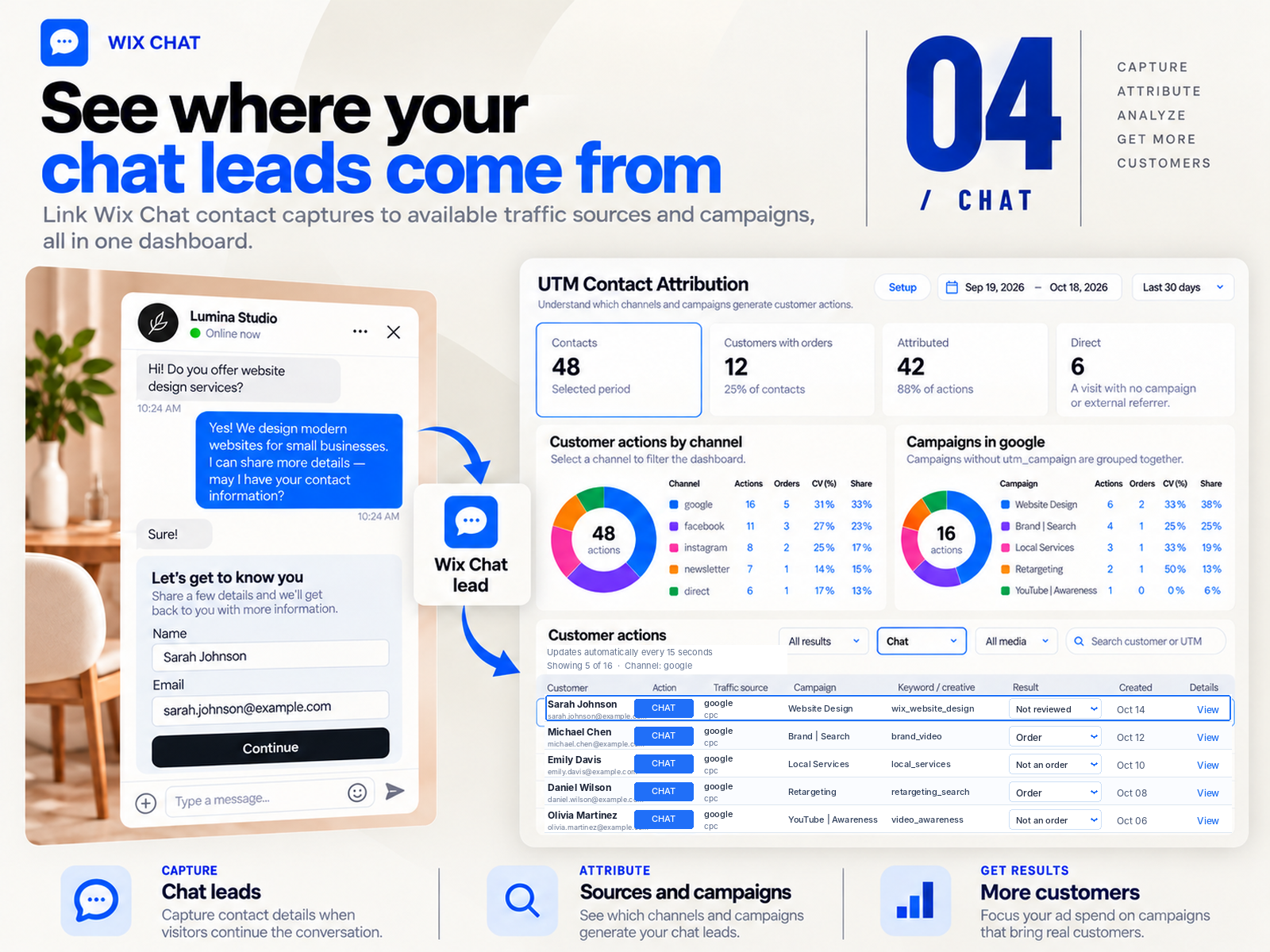
UTM Contact Attribution - Überblick
- See available sources and campaigns for customer actions
- Track supported Forms, Bookings, Stores orders and Chat leads
- Compare First, Last and Conversion Touch
- Send closed sales to Google Ads and Meta
5.0 Durchschnittliche Bewertung
1 Bewertung
5
1
4
0
3
0
2
0
1
0
RY
Ryonaljewlcaraball/ Oct 24, 2026
UTM is registeringThe app works. There were some questions, the support replied quickly.
(1)
Danke für dein Feedback!
Preise & Abonnements
Free-Paket
Kostenlos
3 customer attributions every 30 days
Discover which channels bring leads
Track forms, bookings, orders & chat
Send sale value to Google Ads and Meta
Pro-Paket
$
19
99
/Monat
$2499
Unlimited attribution tracking
Wix Forms, Bookings, Chat and Stores
First, Last and Conversion Touch
Send sale value to Google Ads and Meta
* Preis ist in USD.