

Online-Shop
Buchungen
Events
Pop-up

Export/Import Events
von
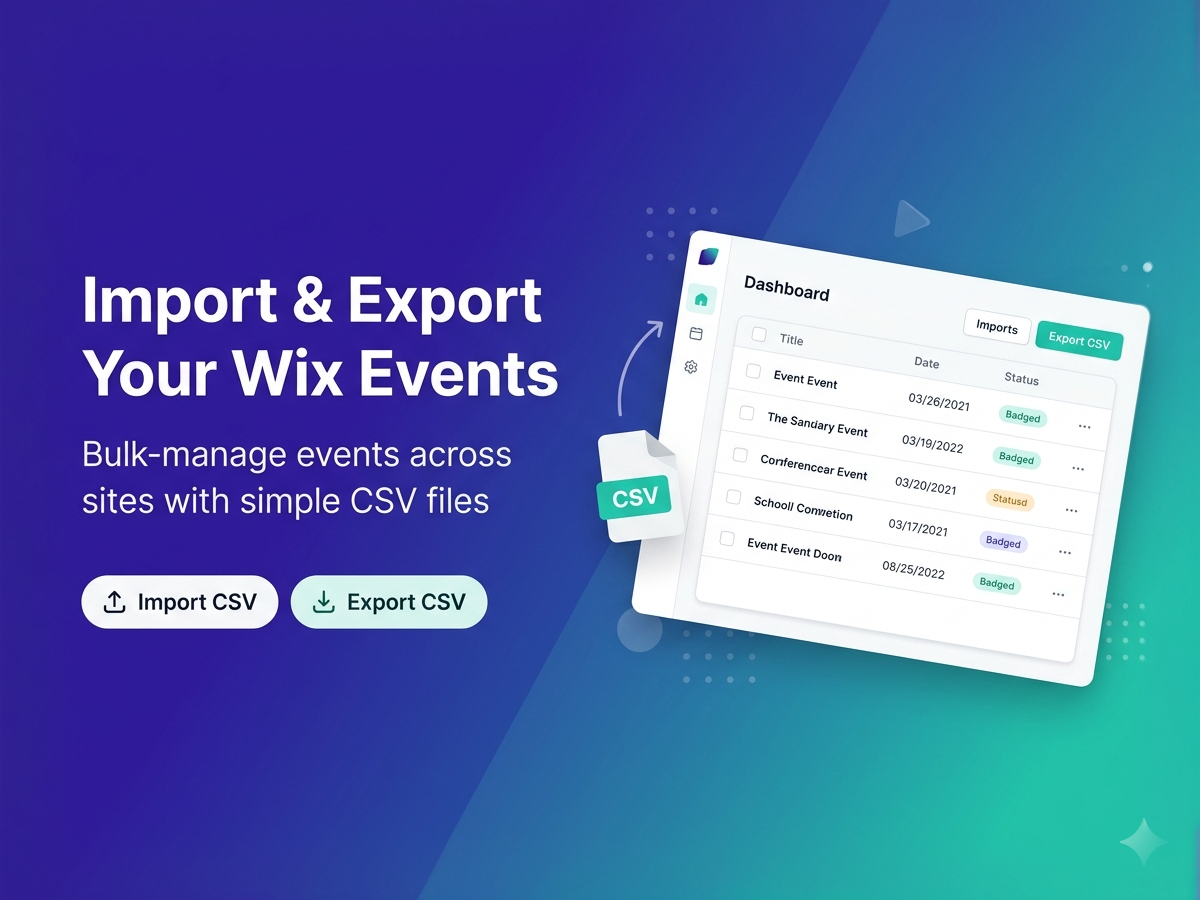
Import & export your Events via CSV files
4.5
Kostenlos

Export/Import Events - Überblick
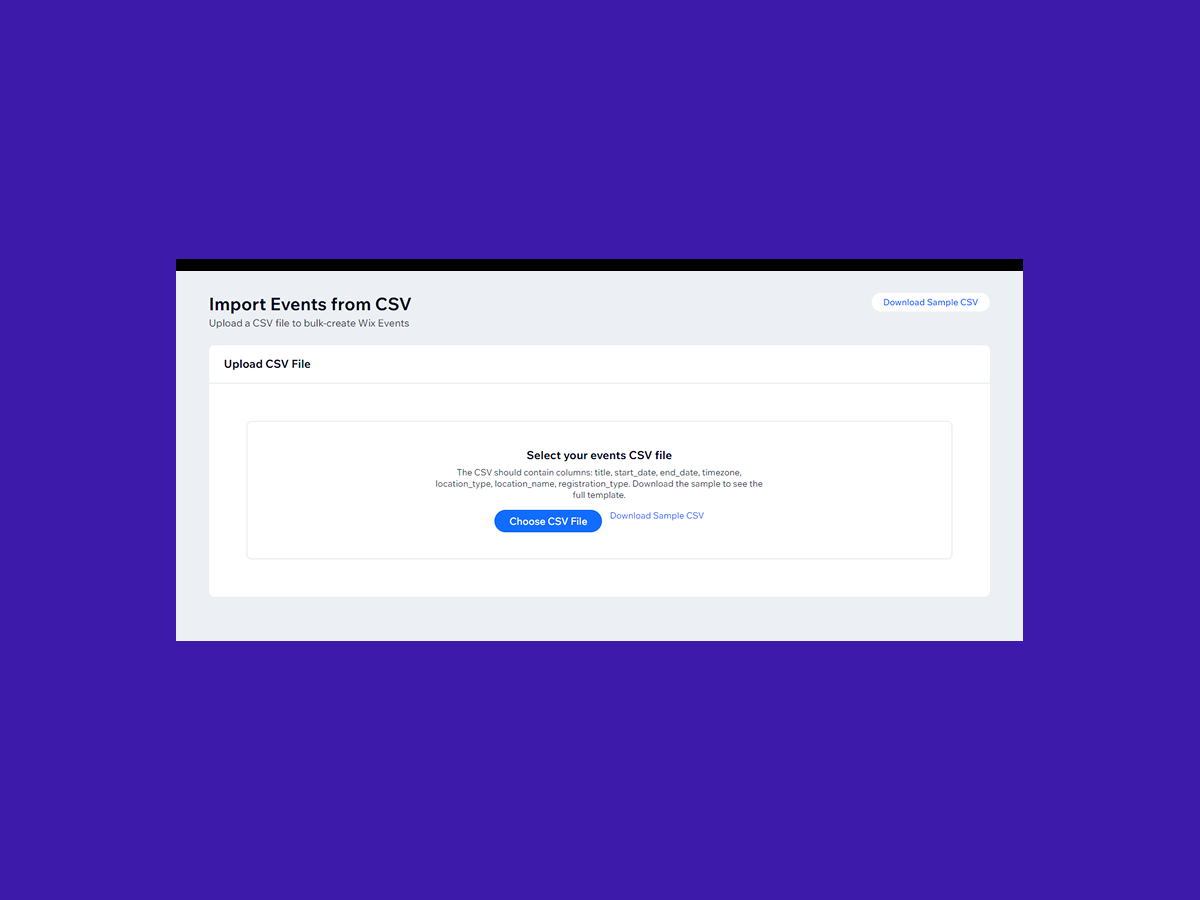
- Bulk Import Events from CSV
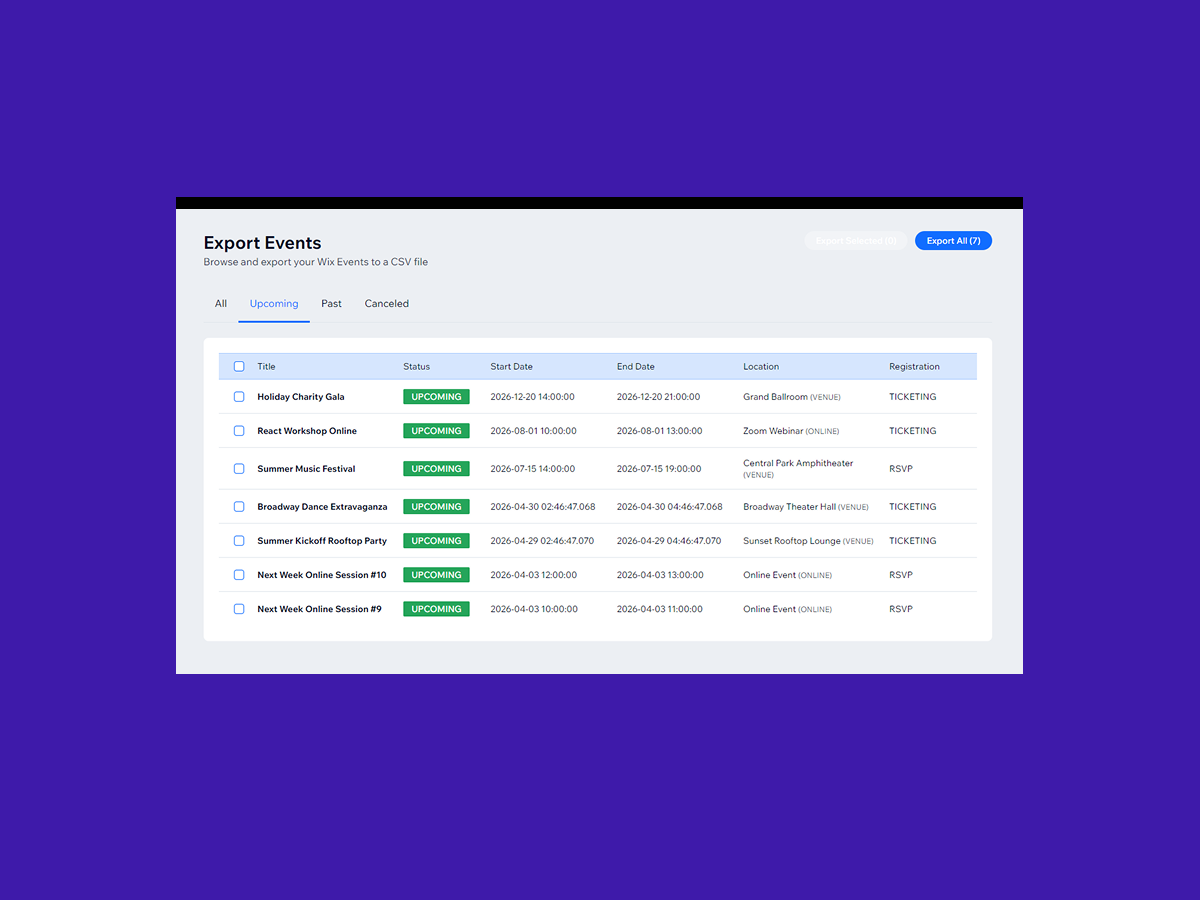
- Export Events to CSV with Filters
- Preview & Validate Before Importing
- Sort, Select & Export What You Need
Kategorien
Verfügbarkeit:
Diese App ist weltweit verfügbar.App-Sprachen:
Englisch
Website-Anforderungen:
-
4.5 Durchschnittliche Bewertung
2 Bewertungen
5
1
4
1
3
0
2
0
1
0
Sortieren nach:
JO
Jodypupecki/ Sep 20, 2026
Almost perfect!I upgraded a client's site from Wix Editor to Wix Studio. I was able to export events from the current editor site to a csv file and then import it into the new...
BO
Team BoomTech
Thanks for the detailed review, and glad it saved you time on the Studio move. You were right about the two gaps: categories and event images now come along in the same CSV,...(0)
Danke für dein Feedback!
TP
Tpcs26/ Jul 23, 2026
Wonderful Customer ServiceOur organization had a specific need that the app currently wasn't offering, so we contacted them and requested an additional field option and they approved and implemented it immediately! This app does what...
(0)
Danke für dein Feedback!