

Online-Shop
Buchungen
Events
Pop-up

FAQ Pro
von
Pro FAQs: sets, search, rich answers & styles
Noch keine Bewertungen
Kostenloses Paket verfügbar

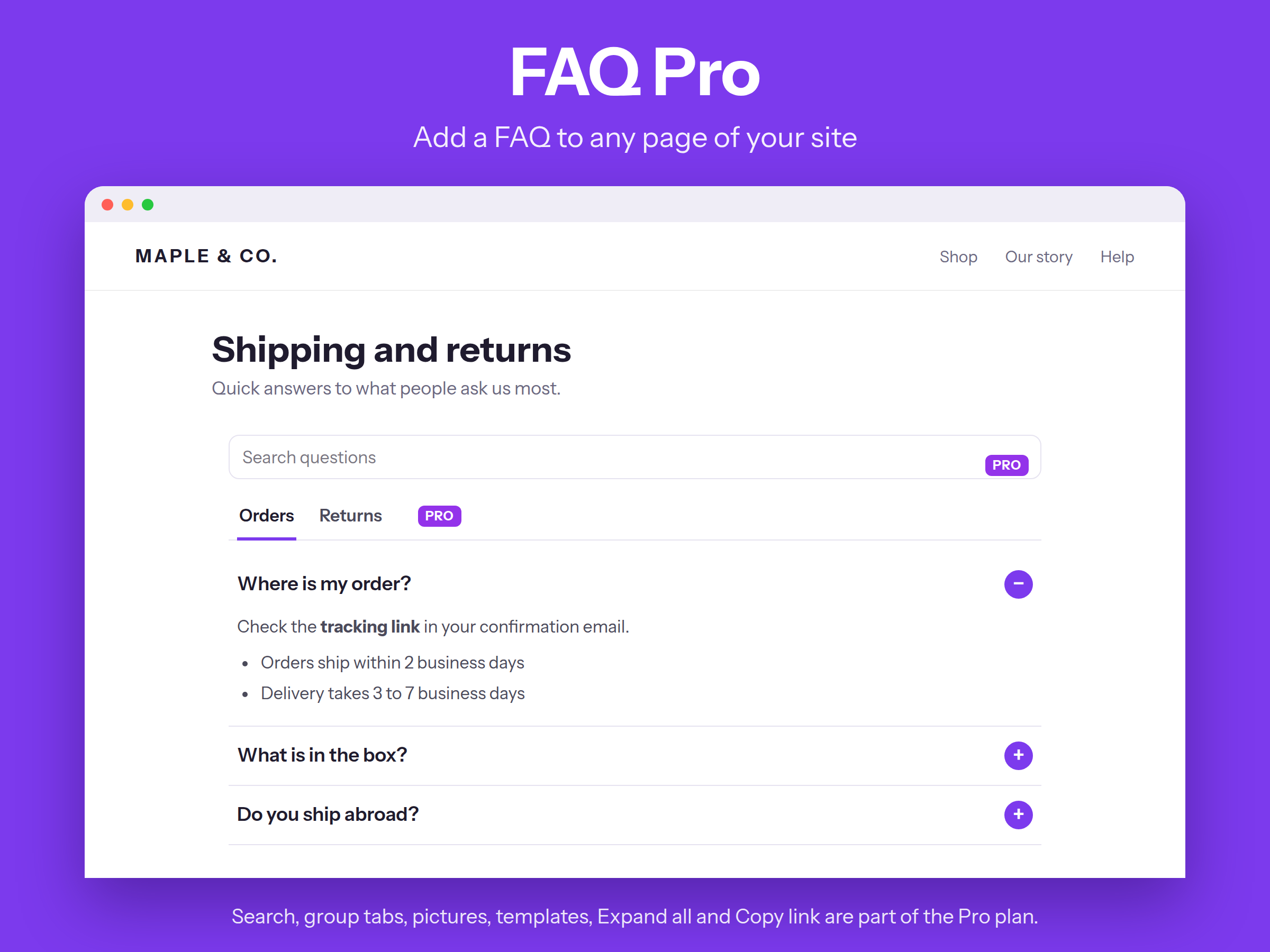
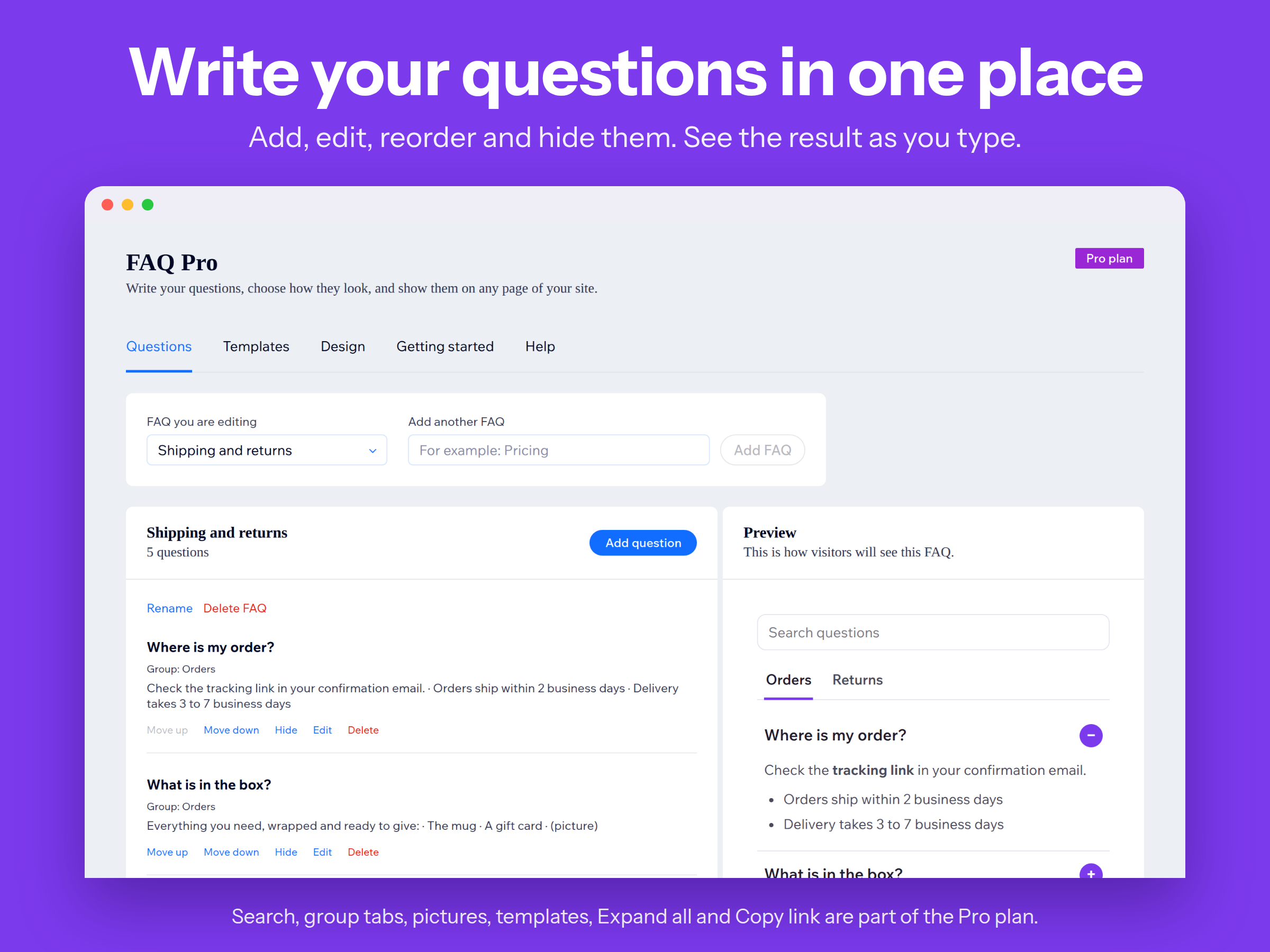
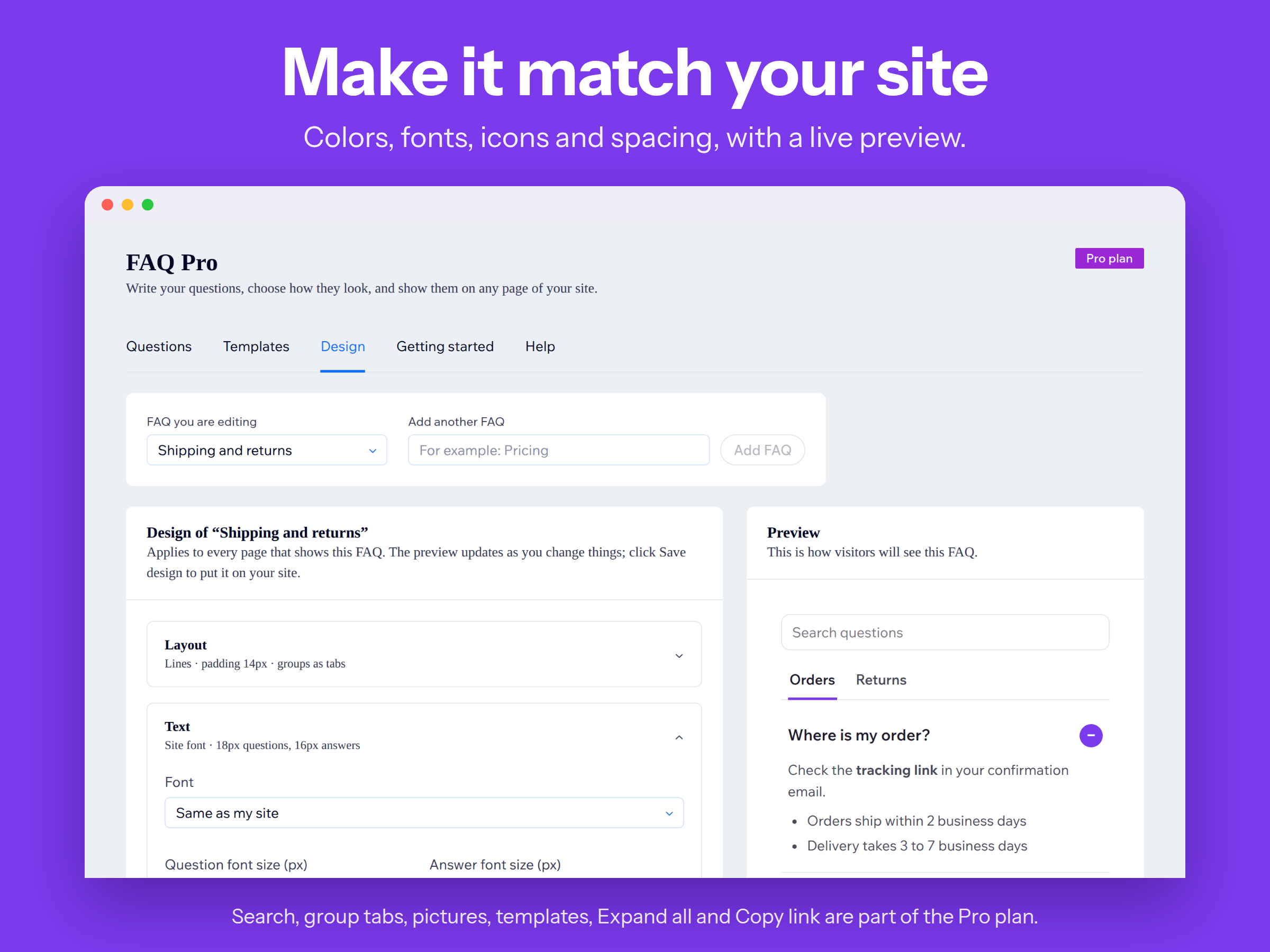
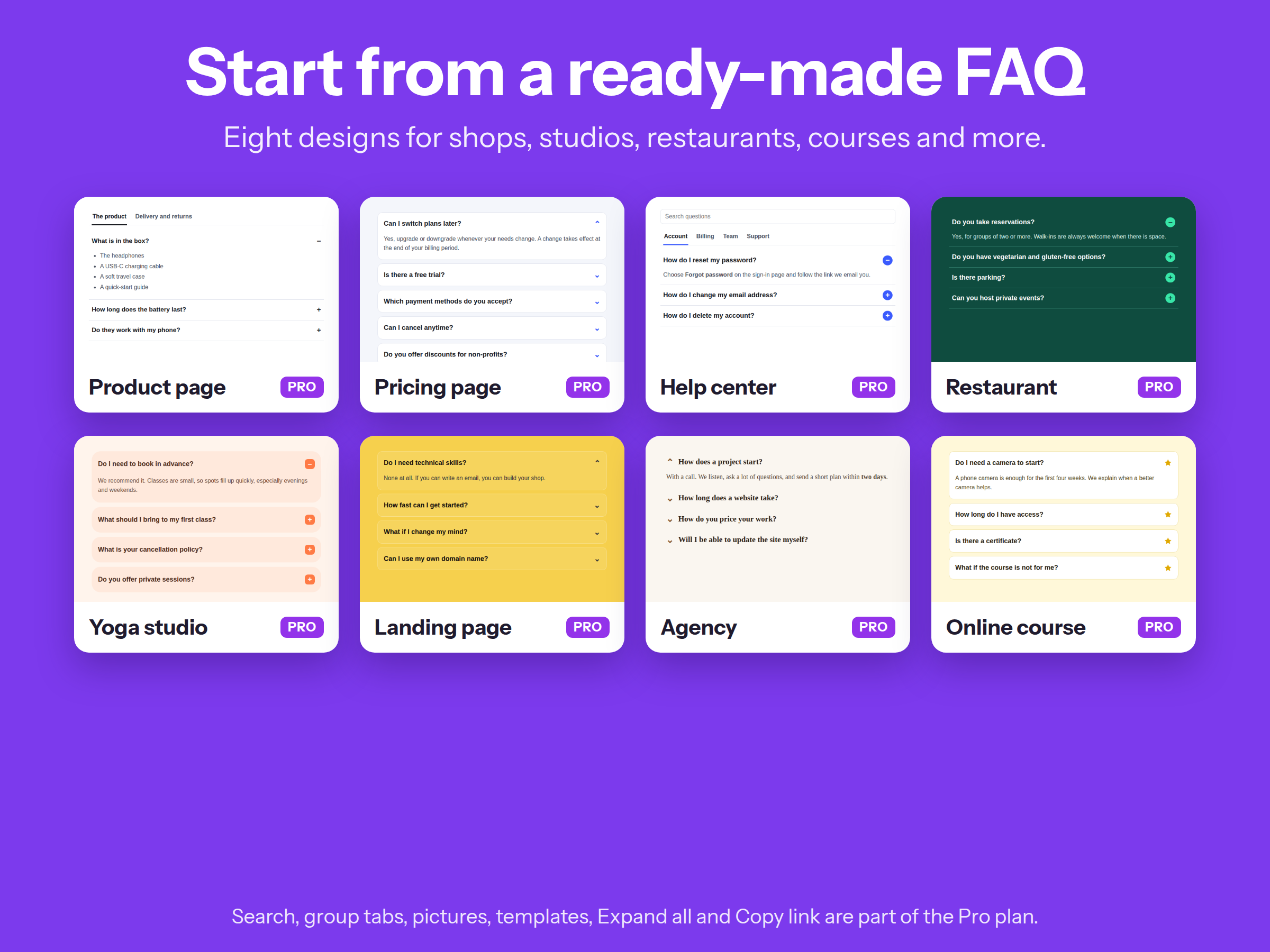
FAQ Pro - Überblick
- Multiple independent FAQ sets (Shipping, Pricing, Product A, etc.) , each widget shows the set you choose
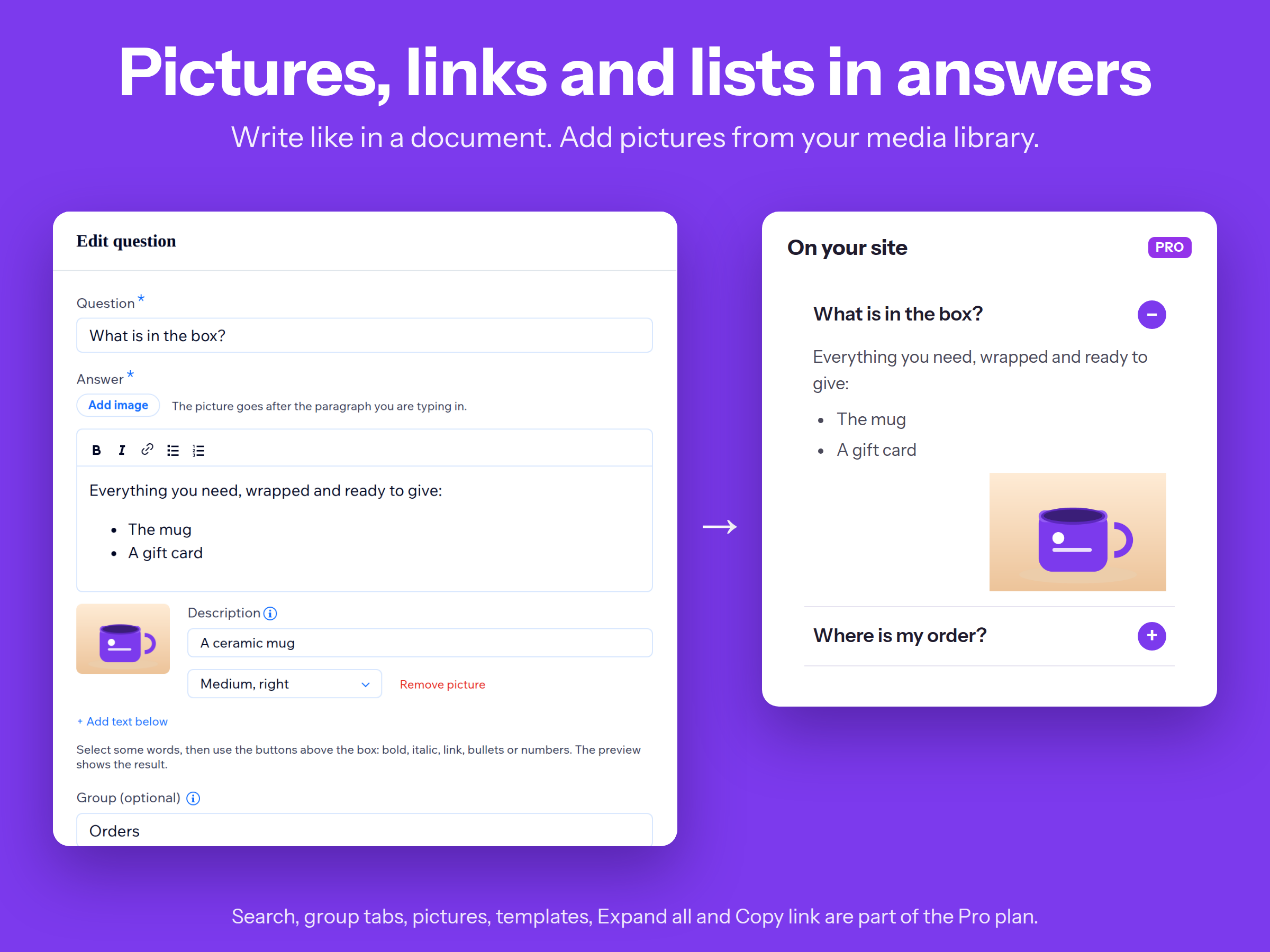
- Rich-text answers: bold, italic, links, lists, images + embedded video links
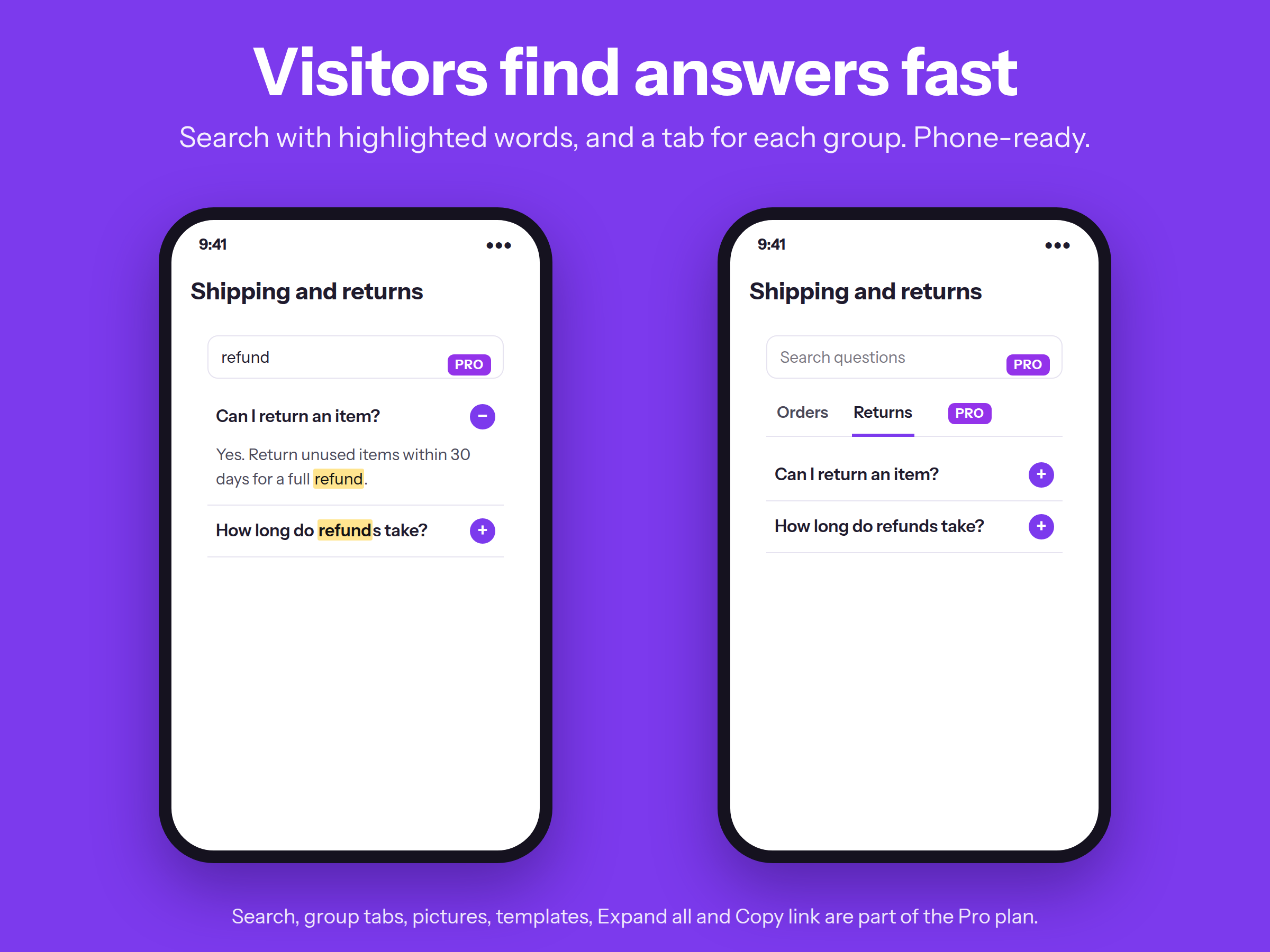
- Live search box that filters and highlights matches as you type
- Layouts: Accordion (default), Two columns, Tabs by category, Cards
Rating & Bewertungen
Für diese App gibt es noch keine Bewertungen.Preise & Abonnements
Basic-Paket
Kostenlos
1 FAQ per site
5 Questions per FAQ
Customise colours, fonts, and spacing
Expand/Collapse and FAQ markup Google
Pro-Paket
$
2
79
/Monat
$399
20 FAQs per site
100 Questions per FAQ
Search box and highlighting
Add images in answer section
* Preis ist in USD.