

Online-Shop
Buchungen
Events
Pop-up

Ask in Aria
TikTok Pixel
von
Connect your TikTok Pixel without editing code
Noch keine Bewertungen
Kostenloses Paket verfügbar

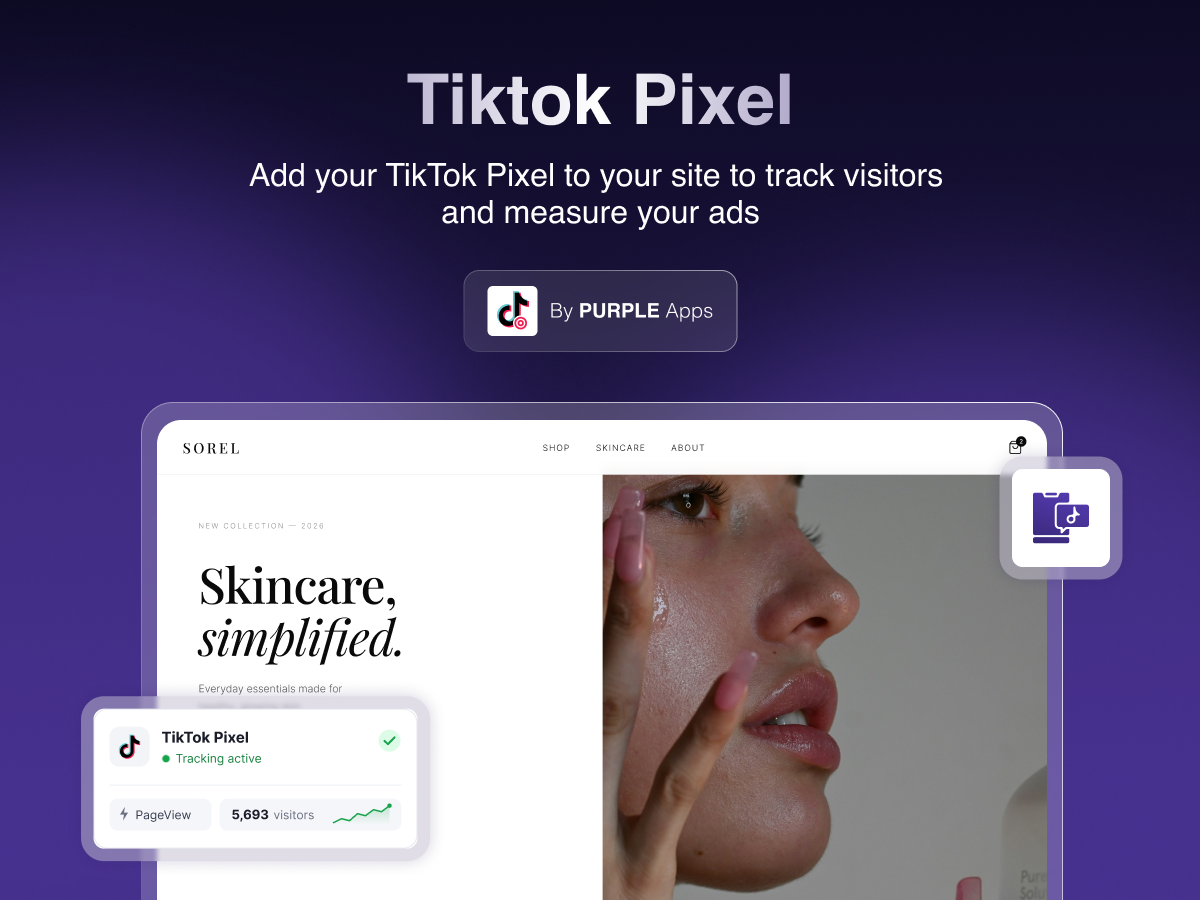

TikTok Pixel - Überblick
- Paste your Pixel ID or full TikTok code, and we find the ID
- Tracks page views on every page, including in-site navigation
- Works with your cookie banner as an advertising script
- See pixel status, pause tracking or remove it anytime
Rating & Bewertungen
Für diese App gibt es noch keine Bewertungen.Preise & Abonnements
Basic-Paket
Kostenlos
Your TikTok Pixel on every page
Page views, including page changes
Paste your Pixel ID
Turn tracking on and off at any time
Premium-Paket
$
3
00
/Monat
Everything in Free
Store and booking events
Lead events from form submissions
Priority email support
* Preis ist in USD.