

Online-Shop
Buchungen
Events
Pop-up

Idle Logout
von
Sign out inactive members automatically
Noch keine Bewertungen
Kostenlos

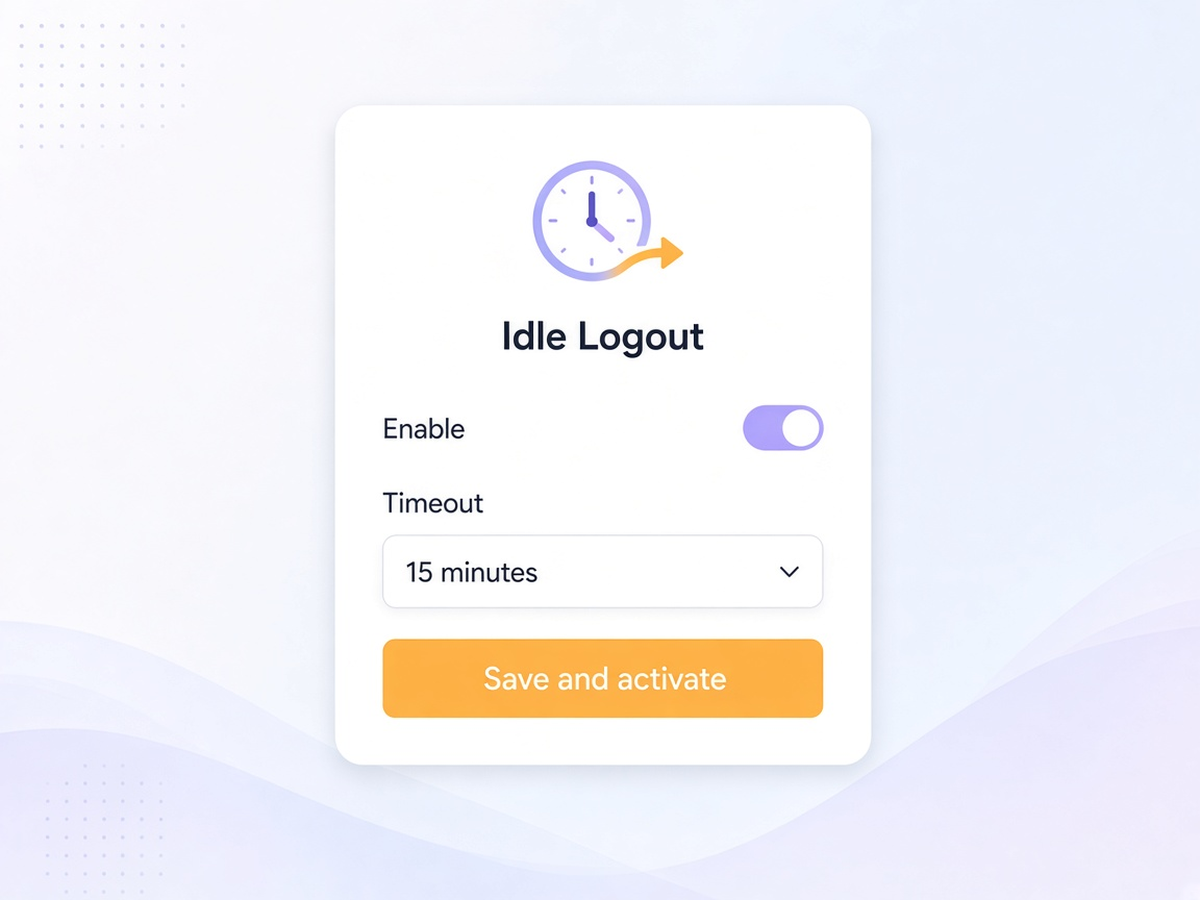
Idle Logout - Überblick
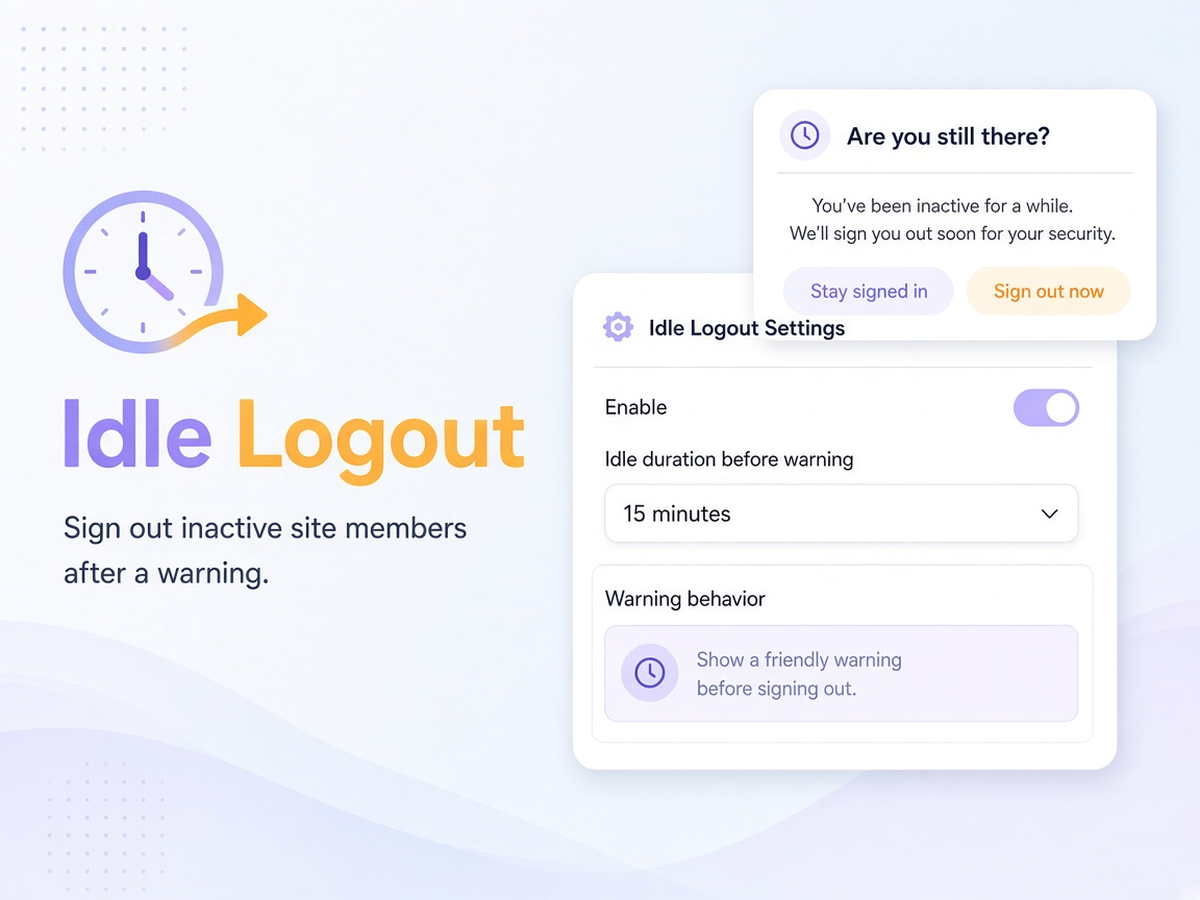
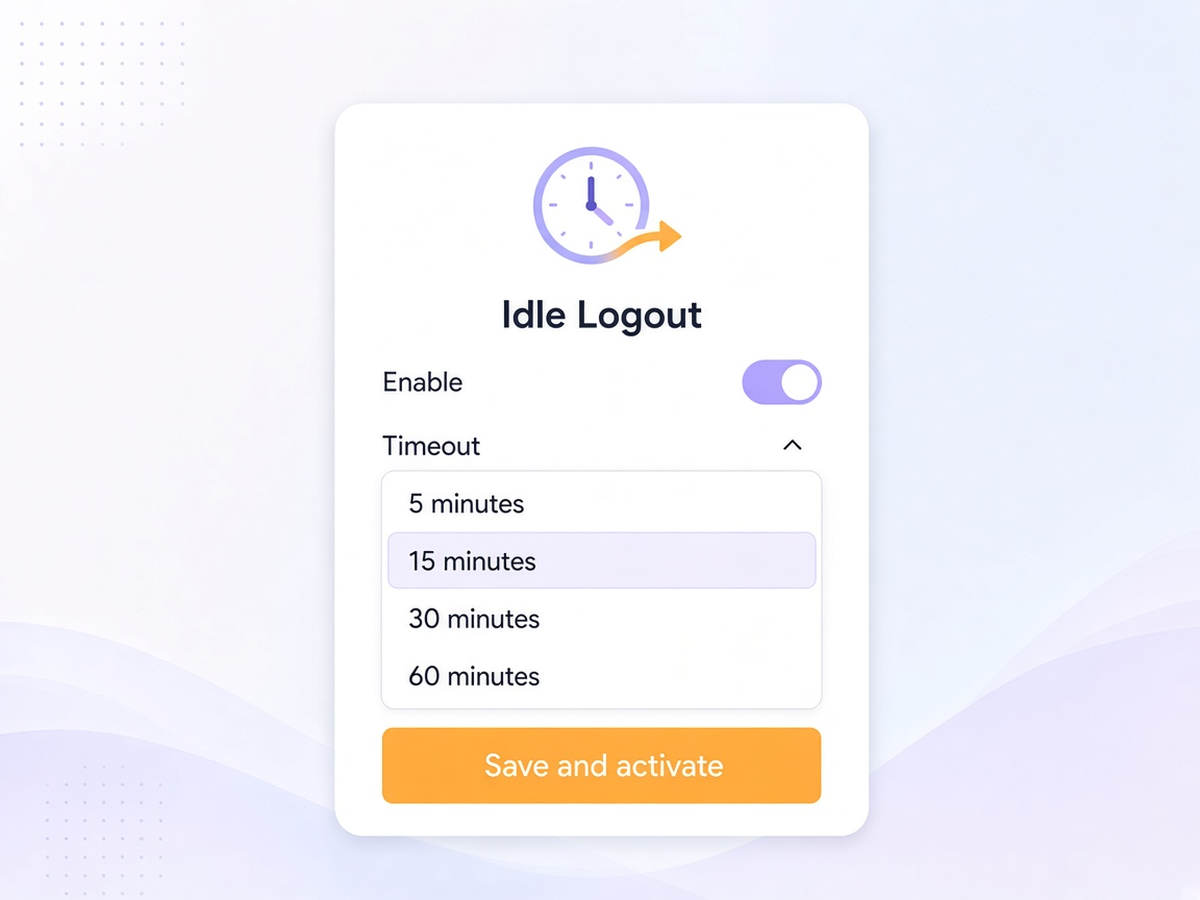
- Flexible Idle Timeout: Choose from 5, 15, 30, or 60 minutes of inactivity to set when an inactive member session should time out
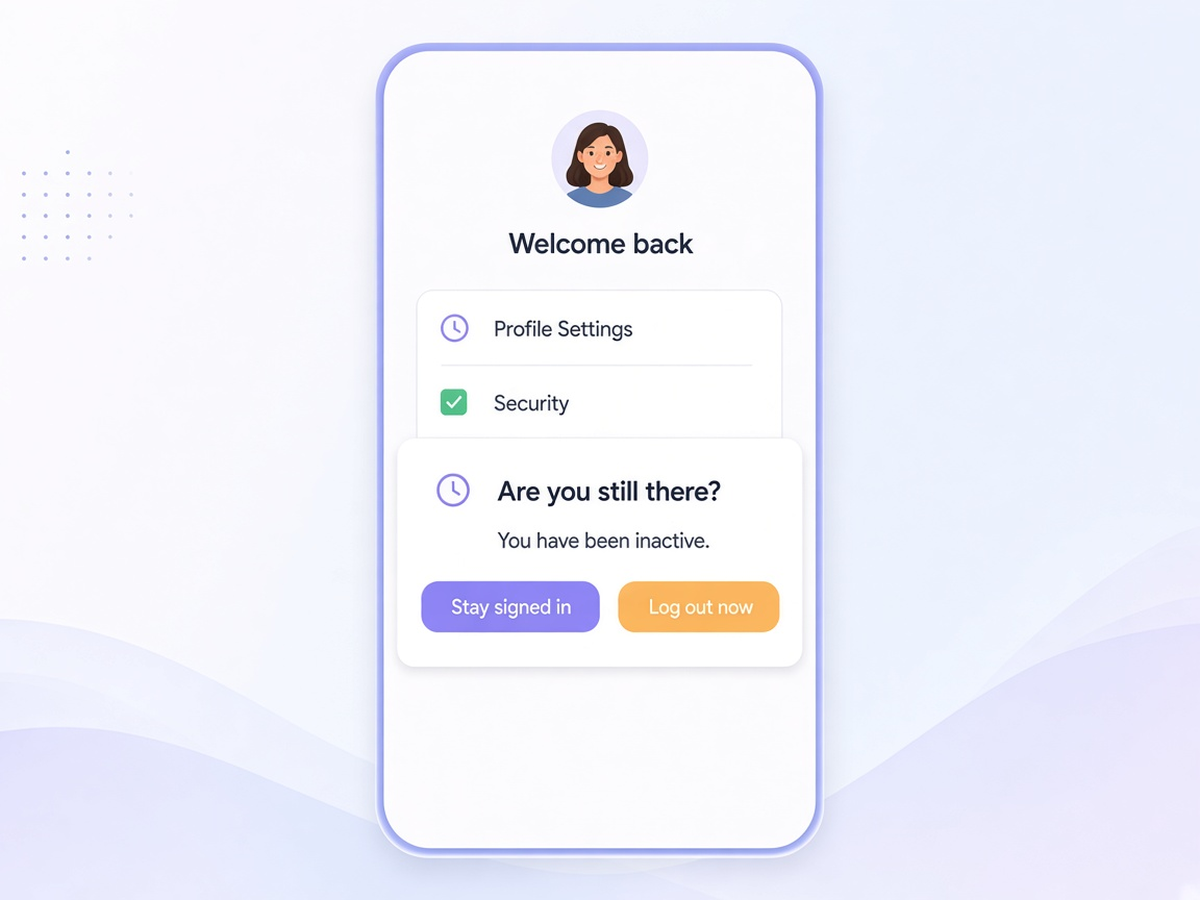
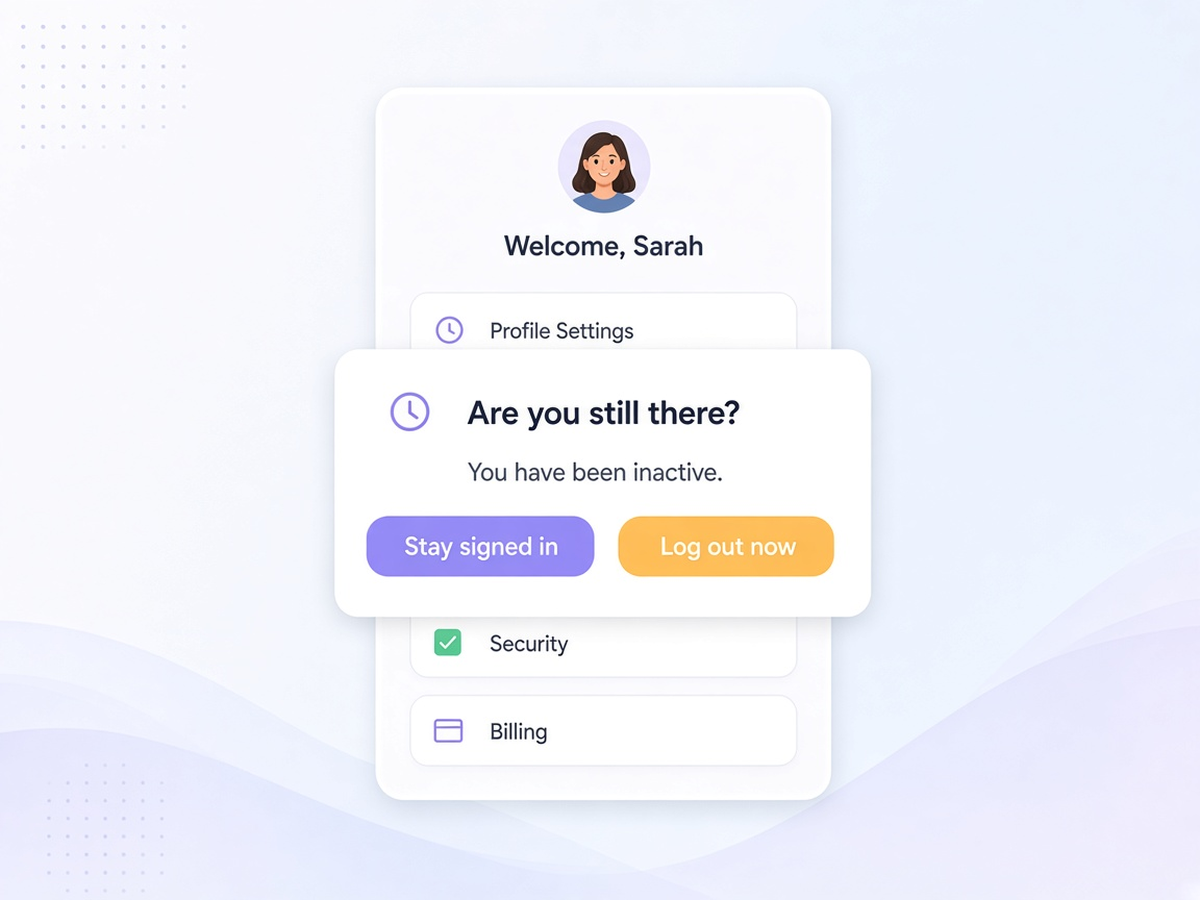
- 60-Second Warning: Give members a chance to remain signed in with a clear, accessible warning dialog before the session ends. Members can choose Stay signed in or Log out now
- Automatic Member Logout: When the selected inactivity period expires, the app ends the current site member session using the native logout process and returns the visitor to the public homepage
- Simple Dashboard Controls: Manage Idle Logout from your site dashboard. Enable the app, select your preferred timeout, save your settings, and preview the warning dialog before it appears to members
Kategorien
Verfügbarkeit:
Diese App ist weltweit verfügbar.App-Sprachen:
Englisch
Website-Anforderungen:
-
TW
App entwickelt vonThe Wix Wiz
Website besuchenSupport kontaktierenDatenschutzrichtlinie
The Wix Wiz stellt die Einhaltung von EU-Handelsgesetzen sicher.