

Online-Shop
Buchungen
Events
Pop-up

Ask in Aria
FAQ Studio
von
Stylish, searchable FAQs that answer for you
Noch keine Bewertungen
Kostenloses Paket verfügbar

FAQ Studio - Überblick
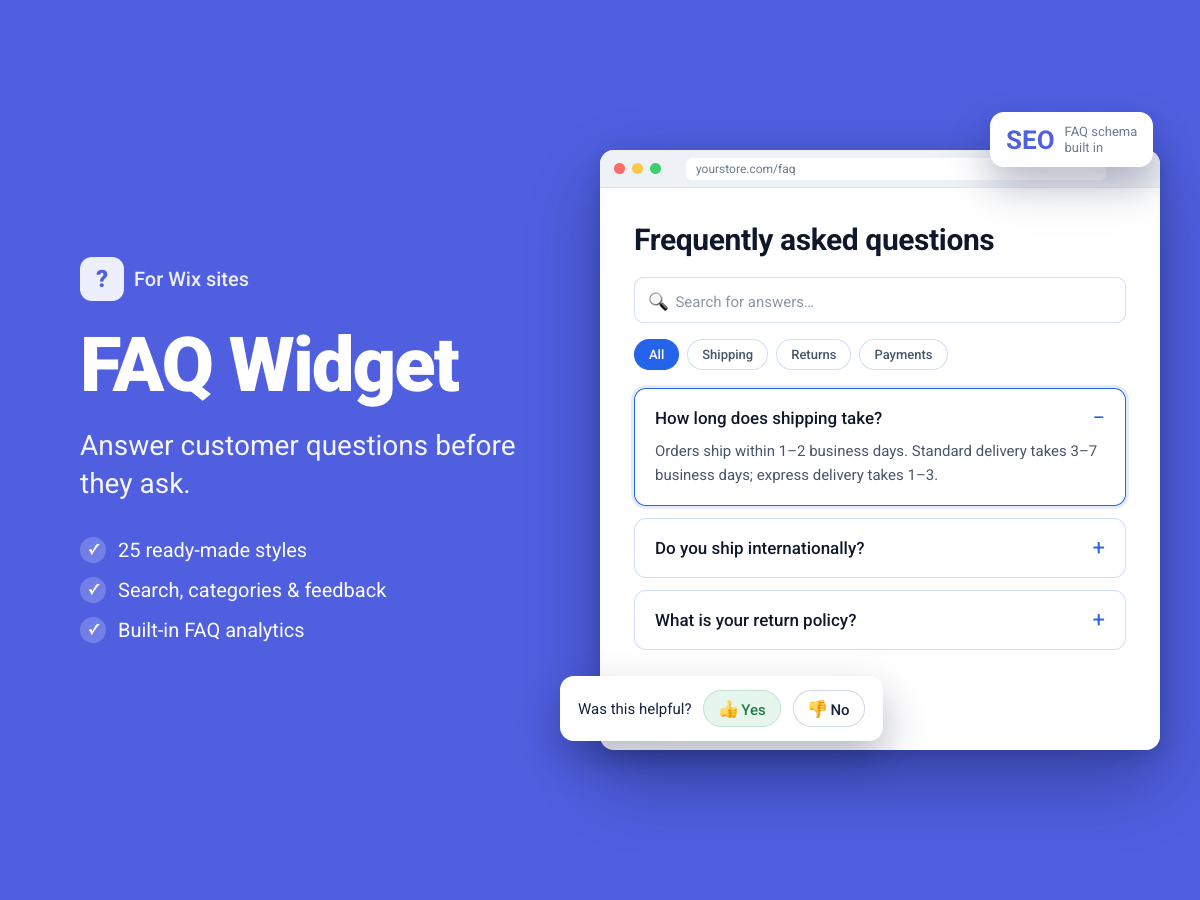
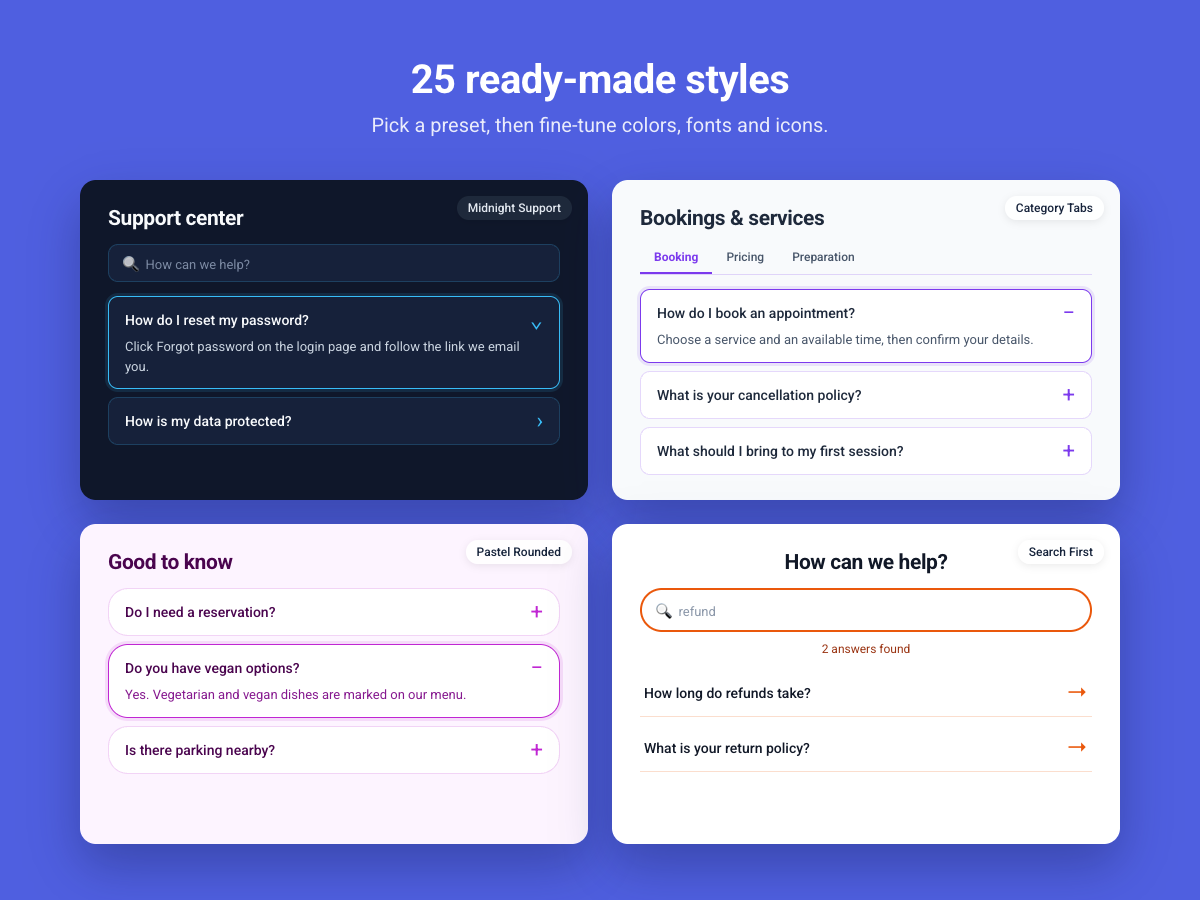
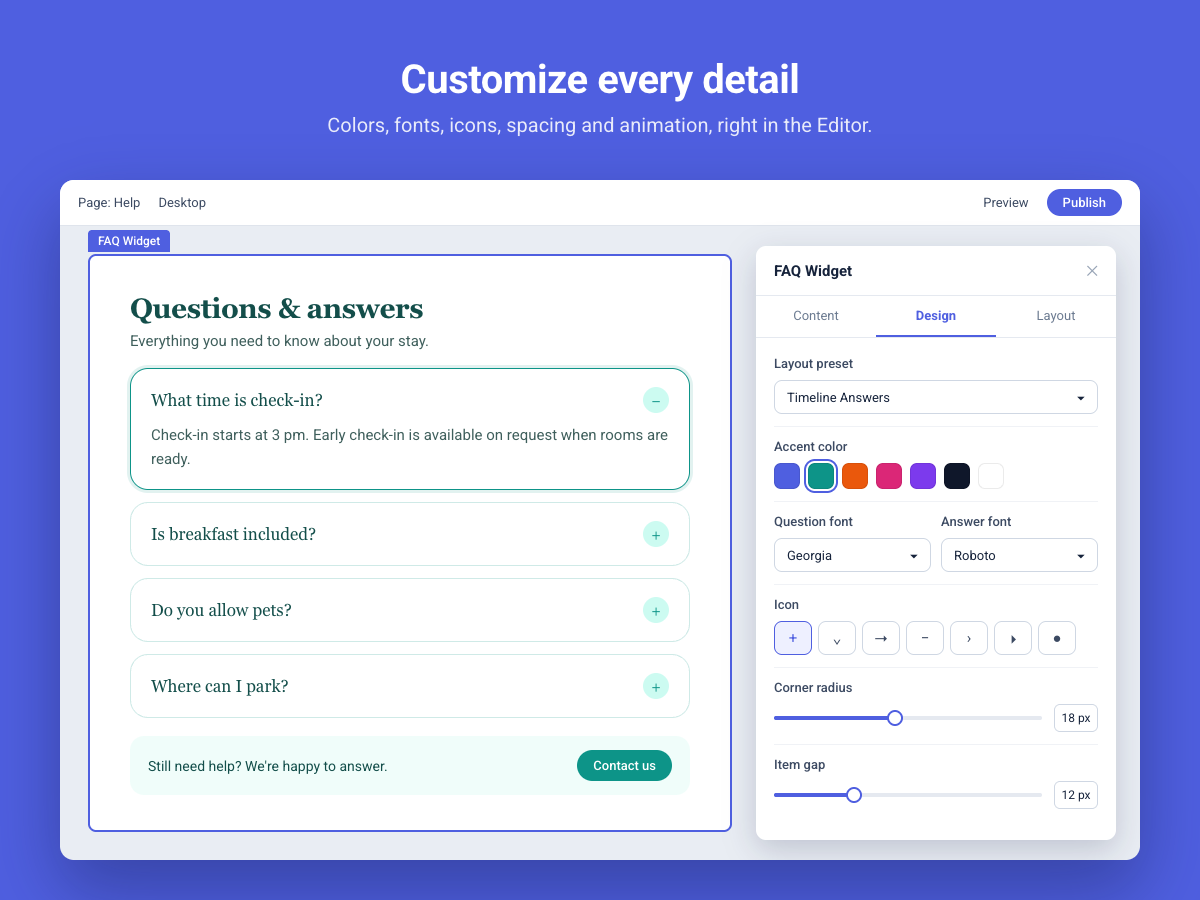
- Style your FAQ widget with 24 presets and customizable layouts
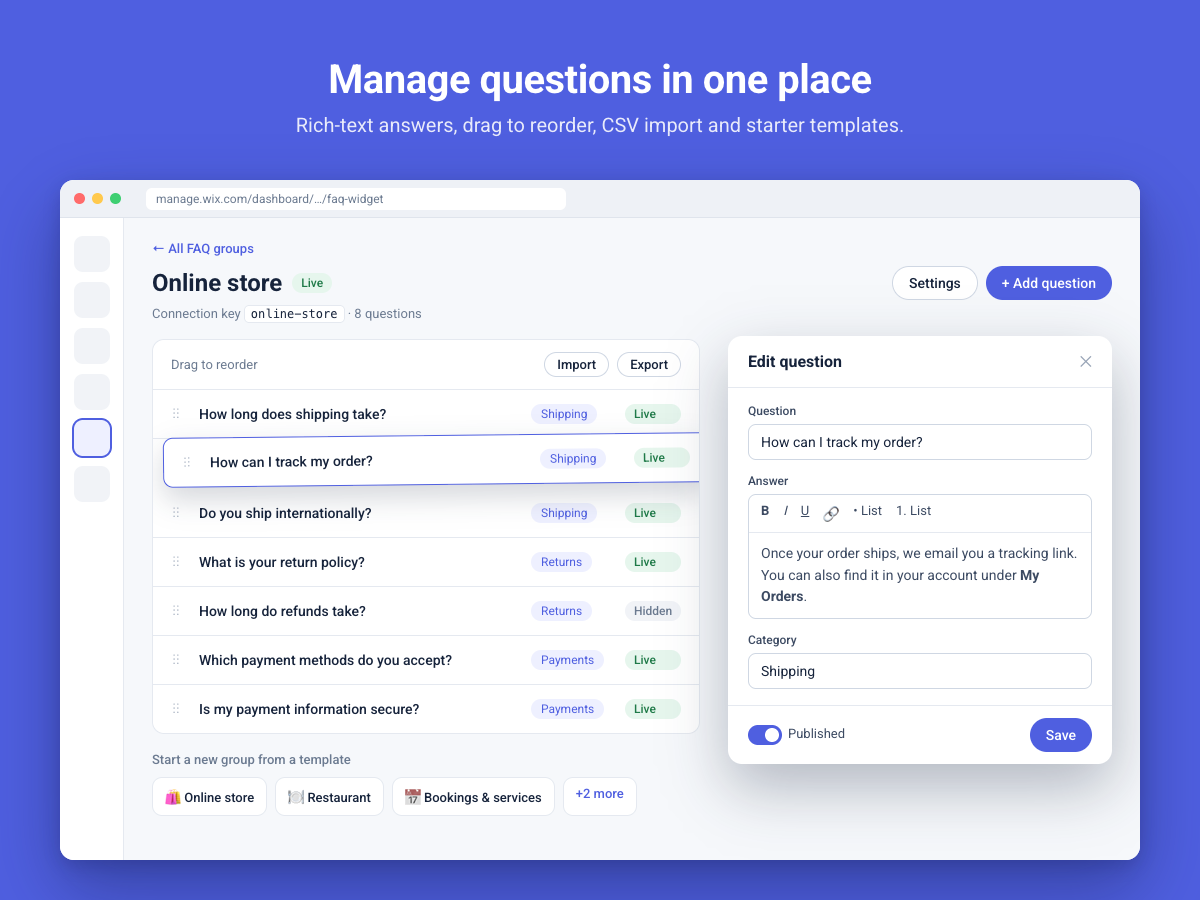
- Organize rich-text answers into reusable groups and categories
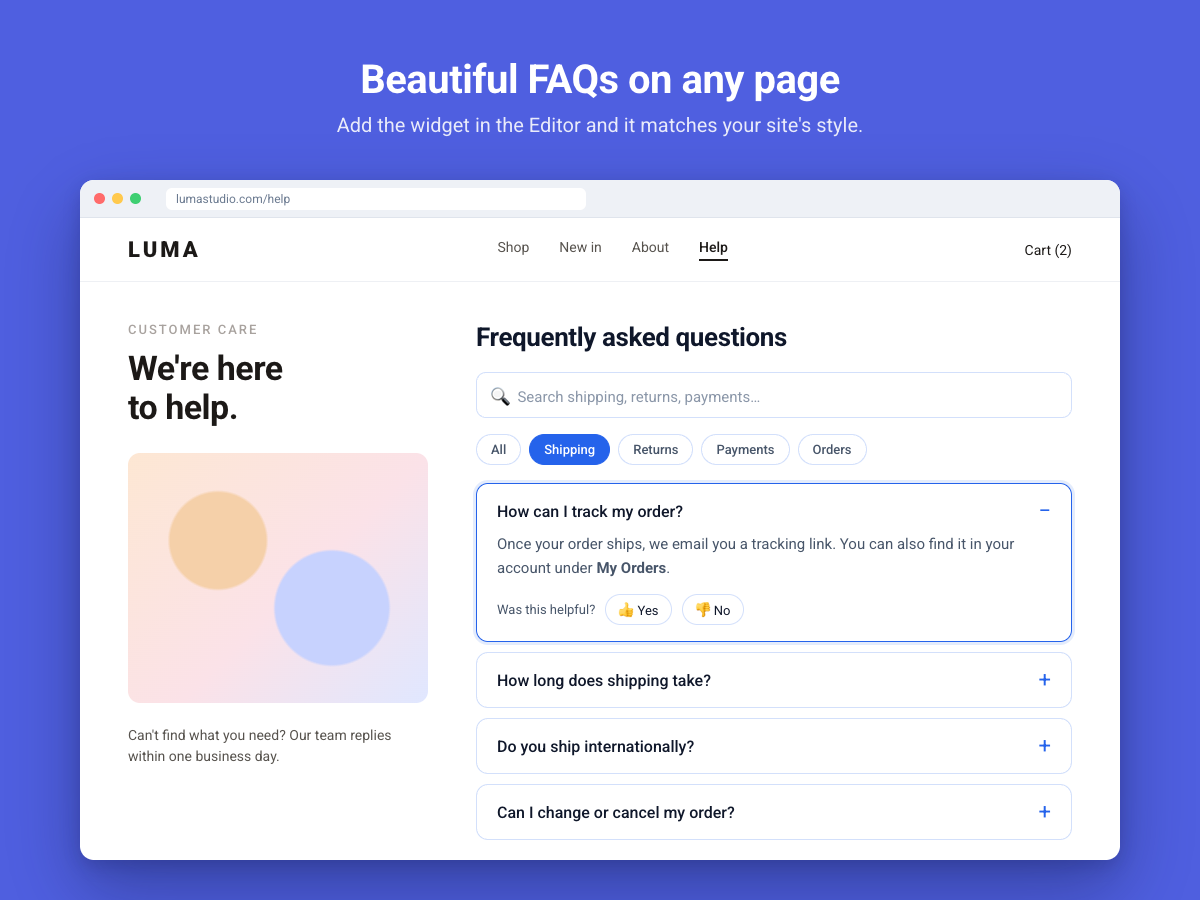
- Help visitors find answers with search, filters, and expandable FAQs
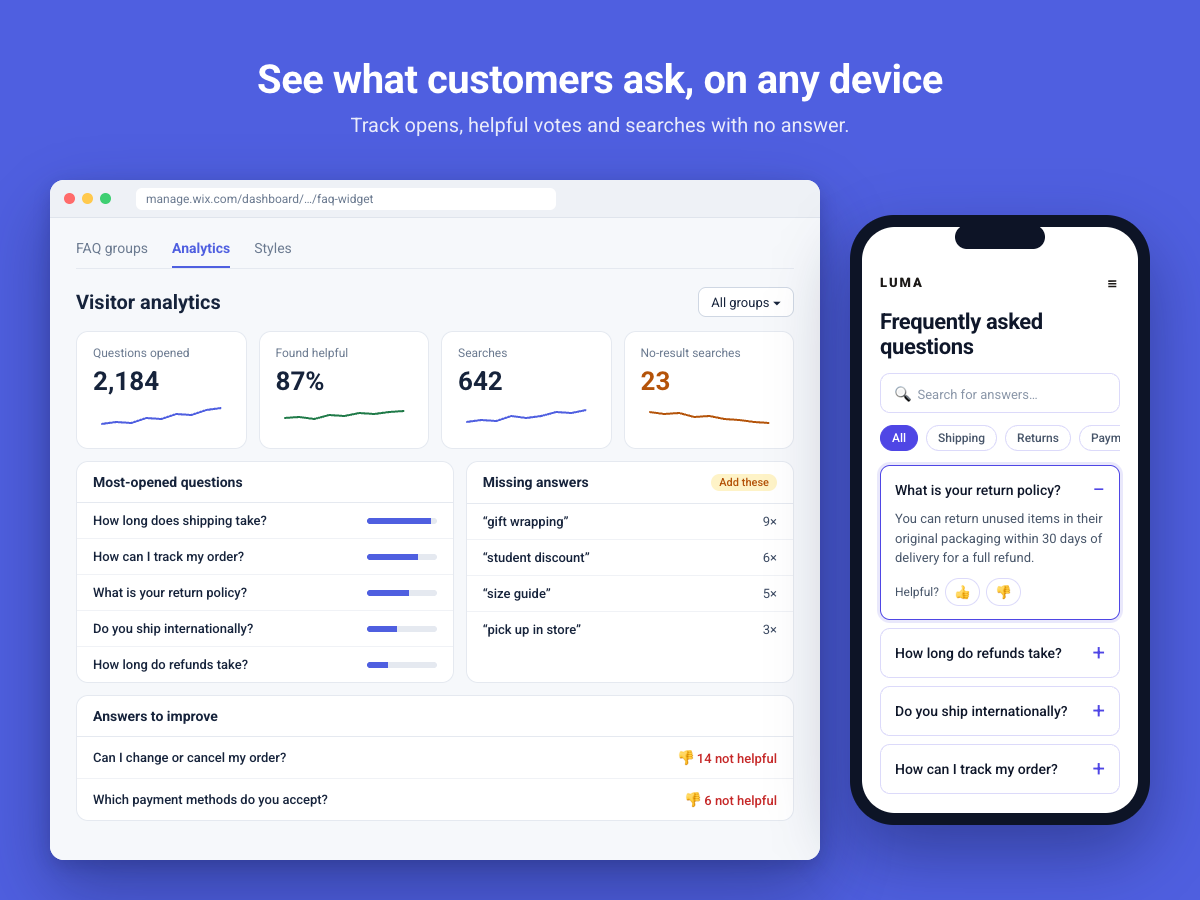
- Track question opens, search activity, and helpfulness feedback
Rating & Bewertungen
Für diese App gibt es noch keine Bewertungen.Preise & Abonnements
Basic-Paket
Kostenlos
Configure, customize, and test every FAQ feature for free in the Editor and Preview.
pro-Paket
$
3
50
/Monat
Publish FAQs on your live site with full access to every widget style and customization option.
* Preis ist in USD.